The video

How the film was made.

Everything the film went through, in the order it happened, shown as the things themselves, with what each step cost.

Made with AI. Not slop, though: fifty-one renders of the edit, thirty-nine rewrites of the piano, ninety commits. This page is that work.

the cut with the score laid on · tools/video_score.py --lay · €0
The film as it is — v4.0, 1:11.6. Everything below is how it got here.
images

The storyboard: cents a frame, and the rule it taught.

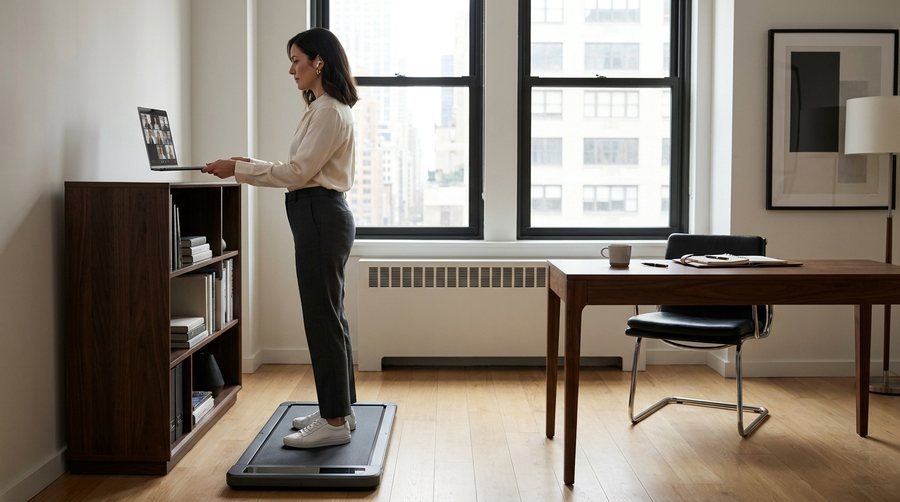
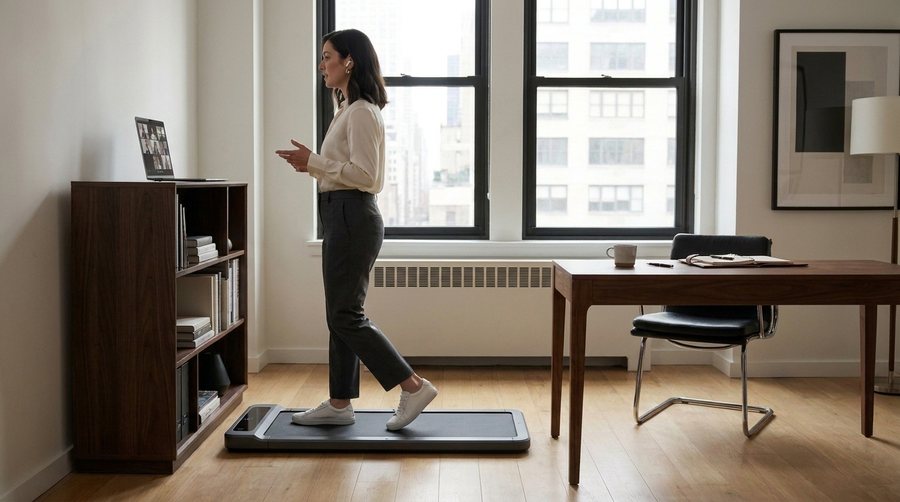
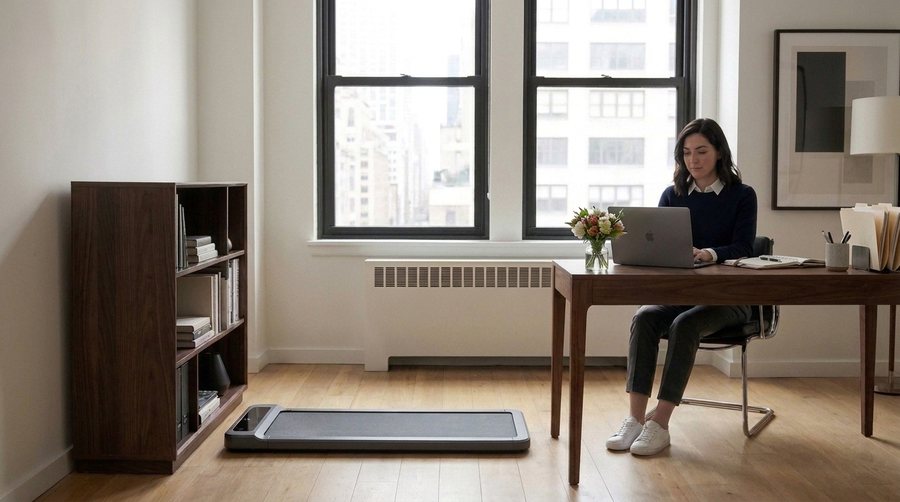
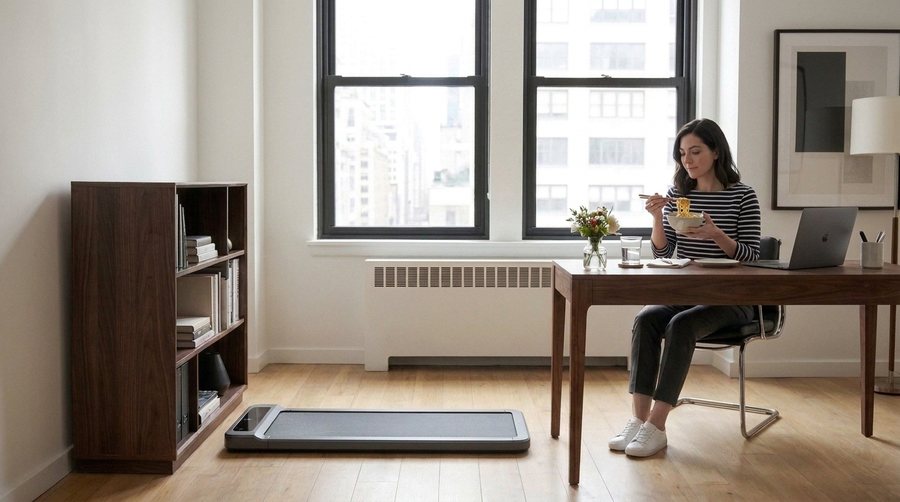
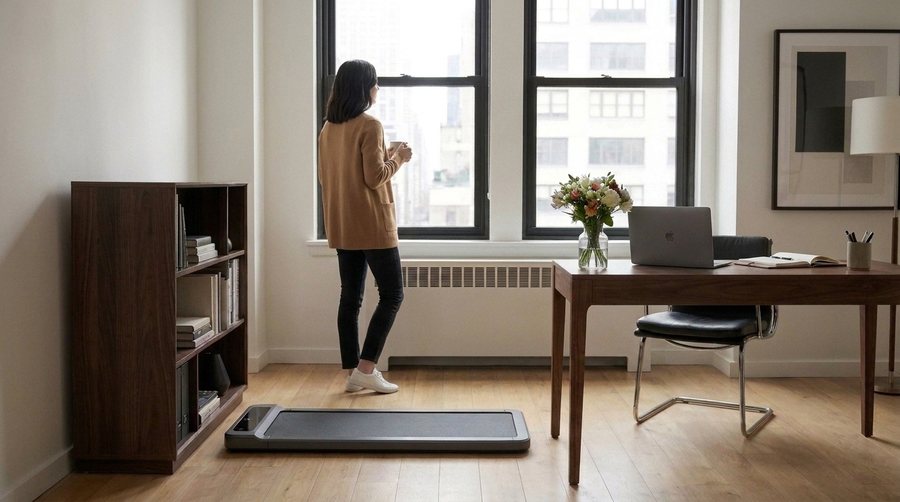
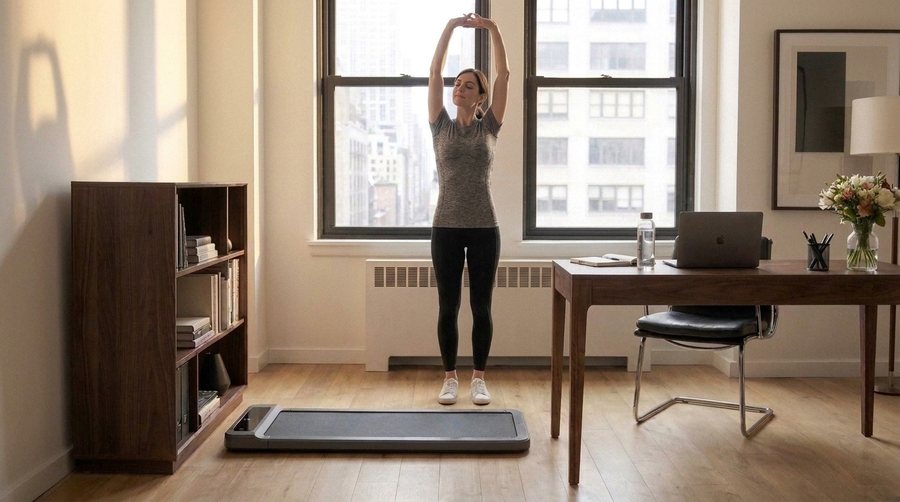
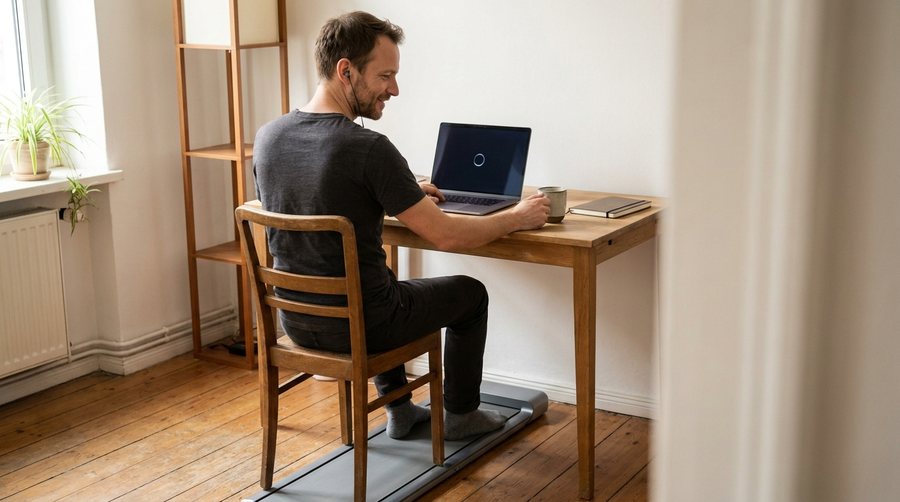
Every shot was drawn first with an image model, a few cents a frame, and laid on a timeline before any footage was bought. Draft one had four rooms and a man sitting on the pad under the desk. From draft two on, one frame was the reference and every other frame was generated from it — same camera, same furniture. Even then the bookshelf slid across the room five more times, until the rule: a frame is laid beside its neighbours on a contact sheet and checked item by item before anyone sees it.

≈130 frames · cents each · ≈ €12 in all
Gemini image (gemini-2.5-flash-image) · tools/video_stills.py · a few cents
WTF?
Gemini image (gemini-2.5-flash-image) · tools/video_stills.py · a few cents
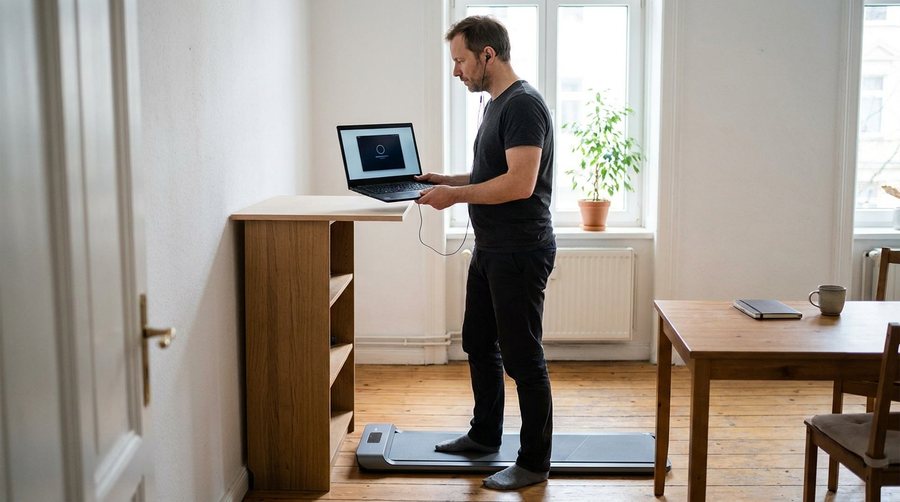
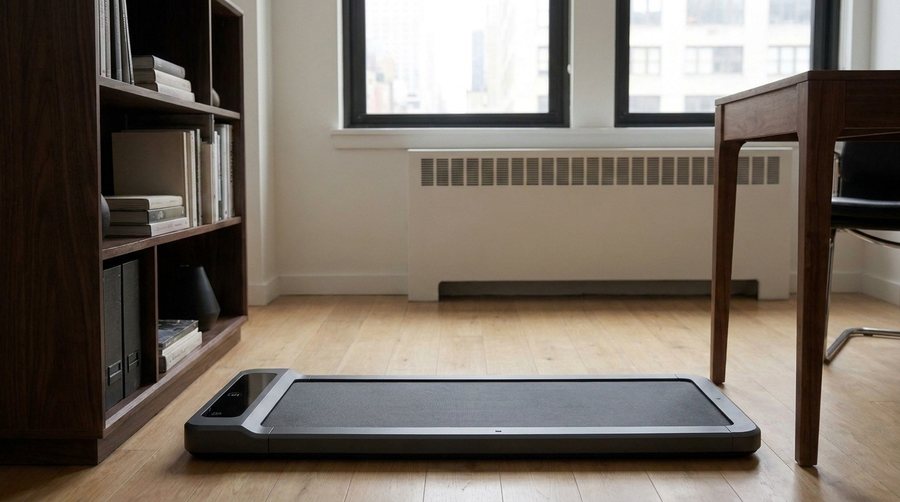
Draft 1: four shots, four different rooms — and in the first, the pad under the desk with the person sitting on it. “I need you to look at the pictures before you show them to me.” Only the last room survived.
Gemini image (gemini-2.5-flash-image) · tools/video_stills.py · a few cents
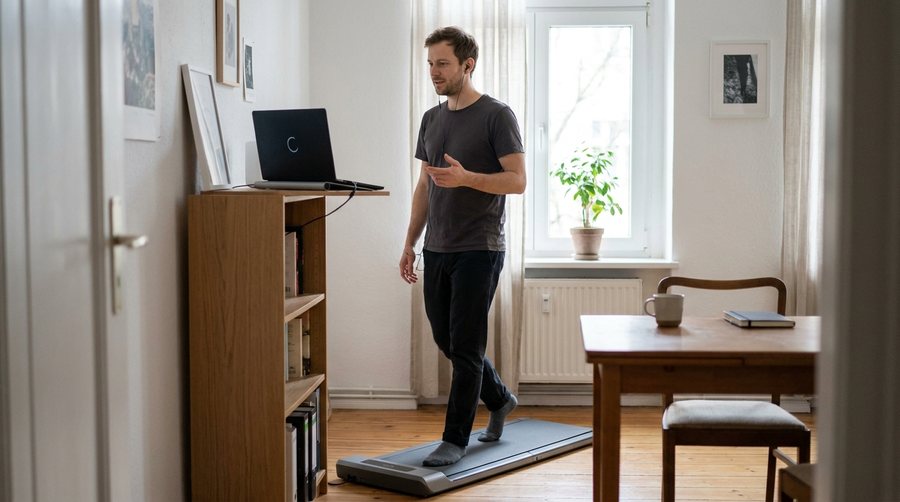
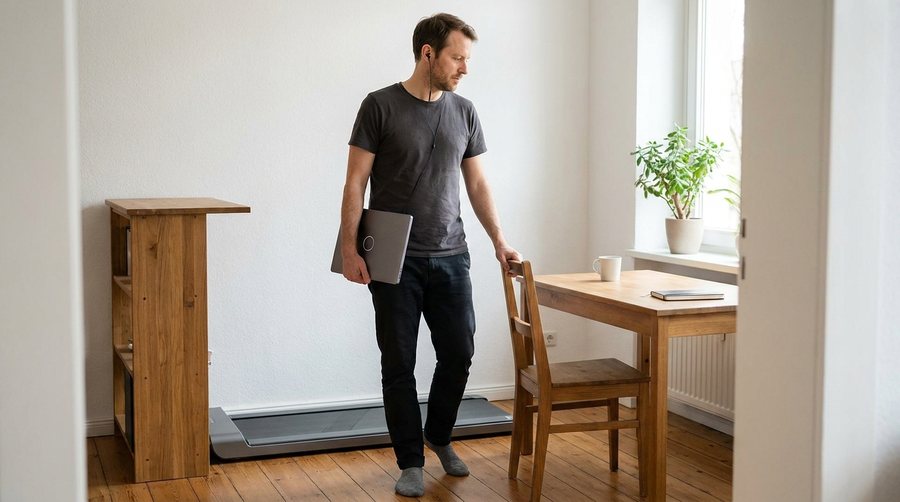
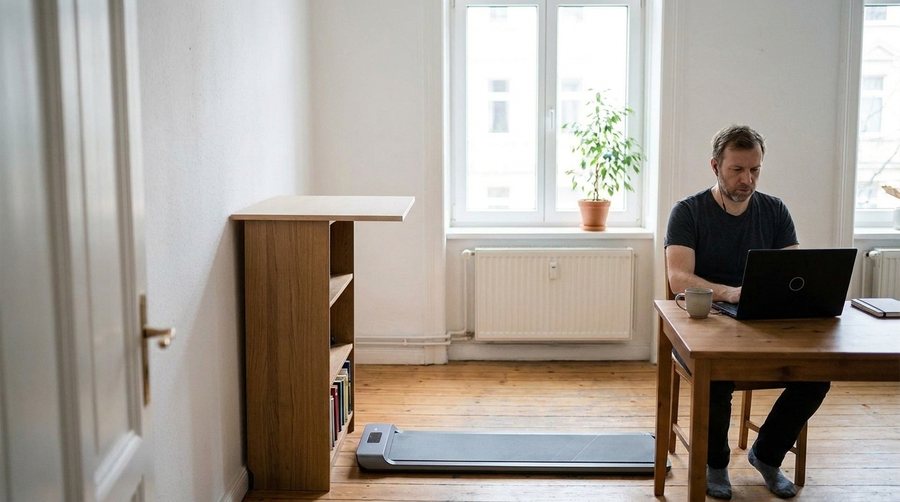
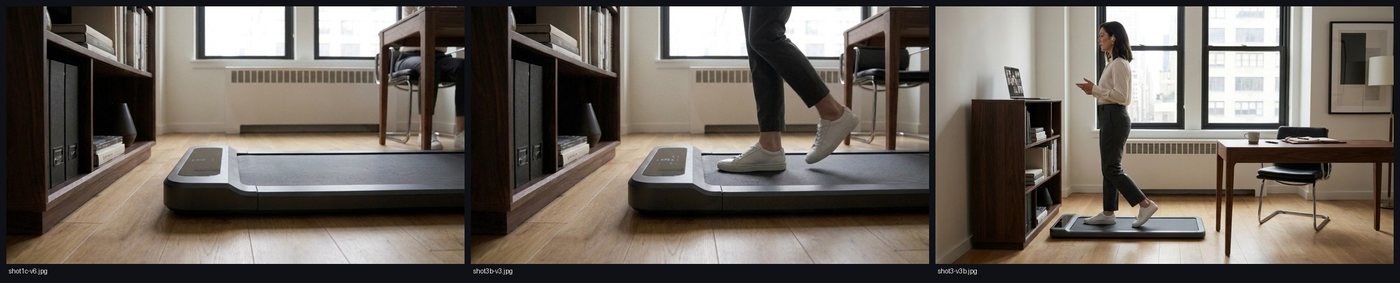
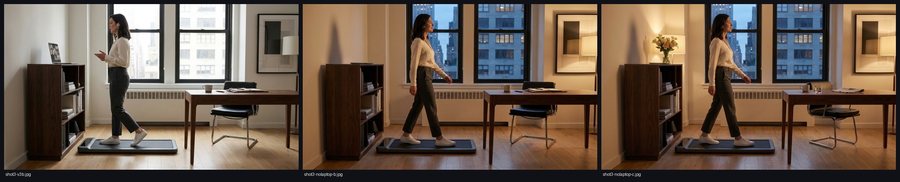
Drafts 2 and 3: one reference frame, the rest derived from it. The pad, the desk, the chair and the radiator in the same place in every one. The walk (right) became the set's reference frame; the middle one had the pad turned the wrong way.
Gemini image (gemini-2.5-flash-image) · tools/video_stills.py · a few cents
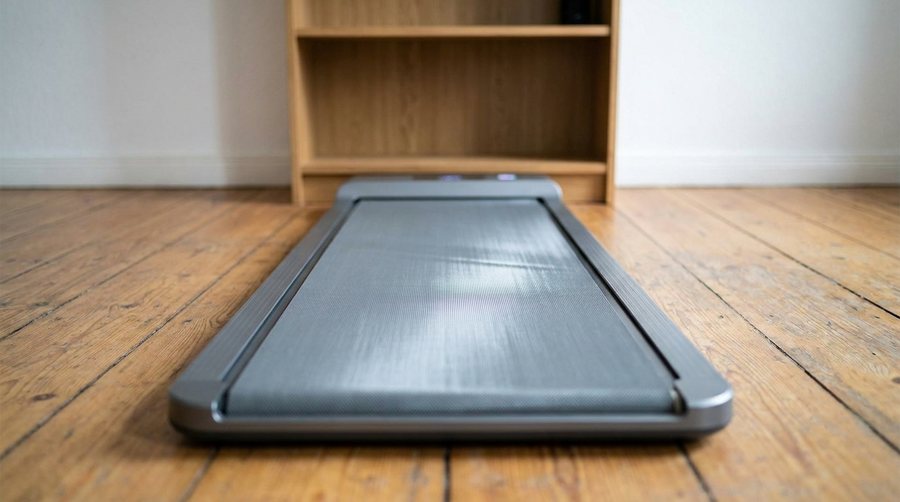
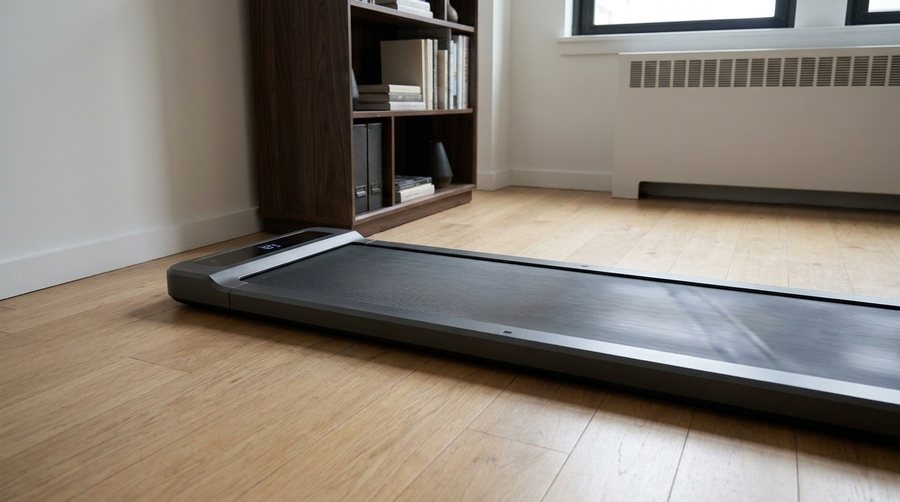
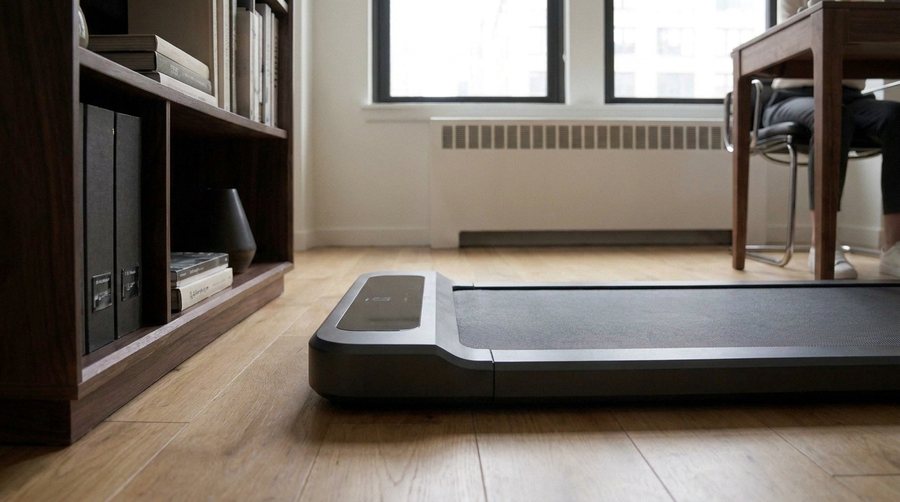
The close-up of the pad, four of its six versions: described afresh each time, the bookshelf wandered. The last one is not generated at all — it is the accepted wide frame, cropped.
contact sheet · tools/video_stills.py --sheet · €0
The fix: a contact sheet. Before a new frame goes anywhere it is laid beside the frames it must match, and the pad, the shelf, the desk and the chair are compared one by one. Every sheet on this page is one of these.
the first video

The animatic: the whole film, before a cent of footage.

The stills in sequence, each held for its scripted seconds, silent. It cost nothing and settled the timing — “feels good for a first version” — so the clips could be bought against a cut that already worked.

€0
ffmpeg · tools/video_animatic.py · €0
The animatic, 46.8 s. The cards were still on a dark ground here; see the last stage.
the words

The cards between the shots.

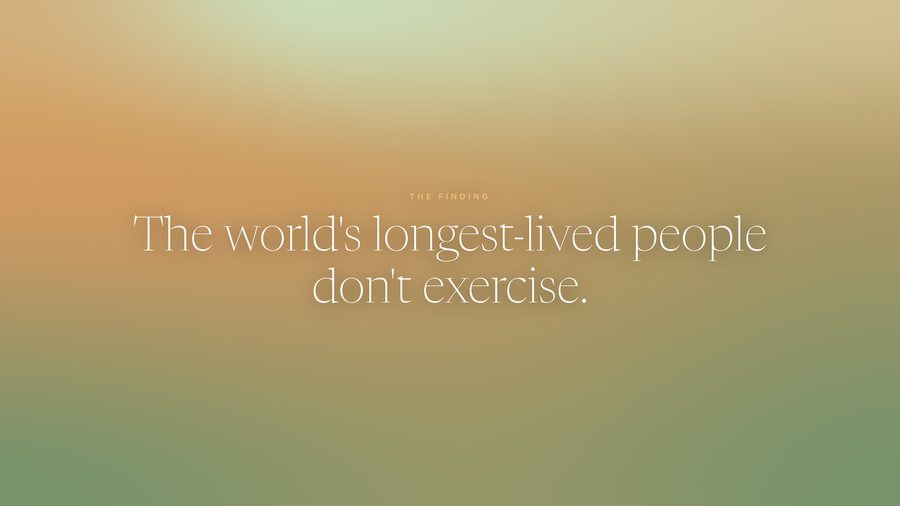
Silent by default, so the words are cards. The first design was white type on slate, with a black band at the foot; it read like an obituary. The cards moved onto the walks' own colour fields, edge to edge, with the app's type — and that decision came back the next day, when the whole palette changed.
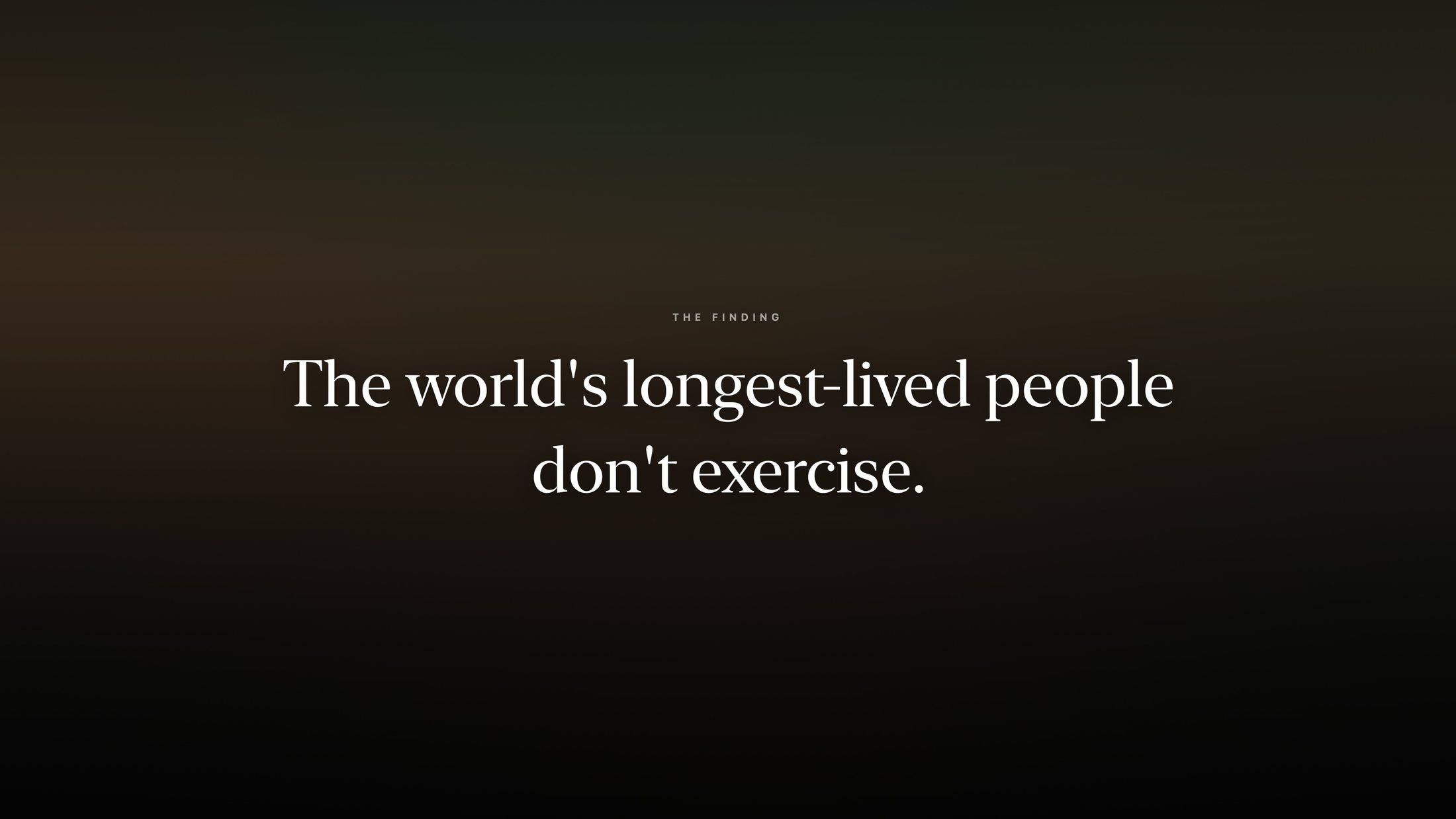
€0 — rendered from the app's own components
rendered from the app's own components · tools/appstore_screenshots_gen.swift · €0
First: white type on slate, a black band at the foot. “An obituary.”
rendered from the app's own components · tools/appstore_screenshots_gen.swift · €0
Second: the walk's colour field under the app's scrim — still a card on a dark ground.
rendered from the app's own components · tools/appstore_screenshots_gen.swift · €0
Third: the field lifted, edge to edge, the copper kicker. This one, until the palette changed.
the first clips

The belt that wouldn't move.

The first video model was Google's Veo: eight seconds from a still and a prompt, €2.85 a clip. The walk came out well. The pad waking up did not: in four side-on takes the belt ran the wrong way, a cover slid over it, and once it peeled up like a mat. Shooting it from above with a printed mark on the belt finally moved it the right way — and looked “ugly and technical”. Then the wall: ten generations a day. Nine of the ten clips never made the film.
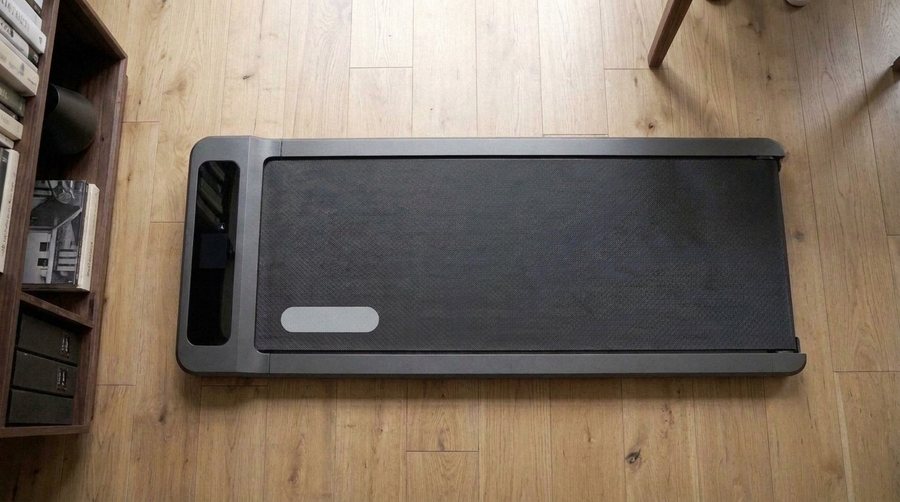
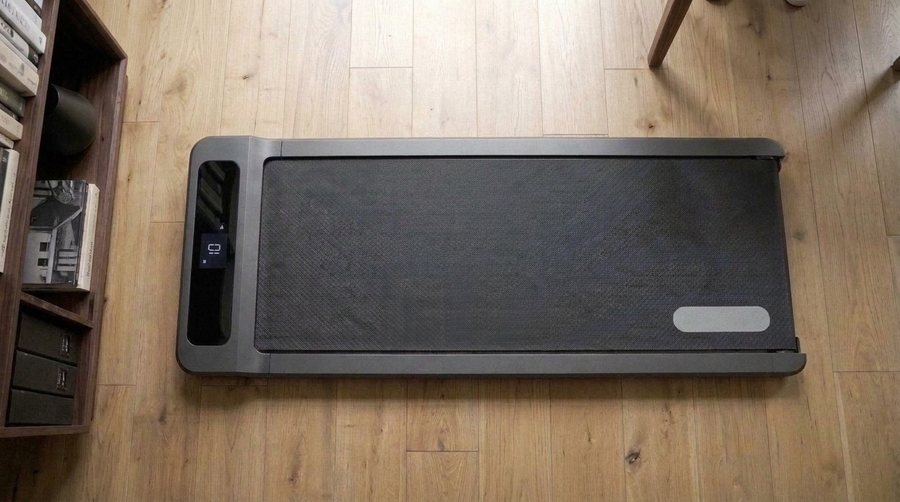
10 clips · €2.85 · €28.50 — €25.65 of it unused
Veo 3.1 · Google AI Studio · tools/video_clips.py · €2.85
Take b: the belt runs backwards.
Veo 3.1 · Google AI Studio · tools/video_clips.py · €2.85
LOL
Take c: a cover slides over it.
Veo 3.1 · Google AI Studio · tools/video_clips.py · €2.85
Take d: the belt peels up like a mat.
Gemini image (gemini-2.5-flash-image) · tools/video_stills.py · a few cents
The overhead trick: a first and a last frame with a printed mark, so the model had to move the belt between them. It worked, and the view was dropped anyway.
Veo 3.1 · Google AI Studio · tools/video_clips.py · €2.85
From above, it moves. It also looks like a product demo.
Veo 3.1 · Google AI Studio · tools/video_clips.py · €2.85
The walk, Veo — the one thing it did well. It stayed in the cut until Kling replaced it.
a second model

Six seconds for sixty-seven cents.

Kling 3.0 Pro, through a subscription composer first and by API later. The same first frame, side-on: the belt moved the right way on the first try. Every live shot was redone.

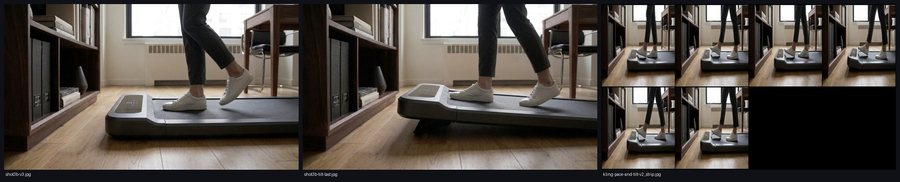
≈35 clips on two ElevenLabs plans ($6 + $22), then 11 by API at $0.67
contact sheet · tools/video_stills.py --sheet · €0
The review strip of the first Kling clip — its frames one second apart, the way every clip was checked before it went into a cut: the LCD comes on, the belt carries the mark left to right. The clip itself is the first one below.
Kling 3.0 Pro · ElevenLabs composer · ≈ 4,000 credits (≈ $0.70)
FINALLY!!!
The pad wakes (in the film).
Kling 3.0 Pro · ElevenLabs composer · ≈ 4,000 credits (≈ $0.70)
The walk (in the film).
Kling 3.0 Pro · ElevenLabs composer · ≈ 4,000 credits (≈ $0.70)
The step-off (in the film).
contact sheet · tools/video_stills.py --sheet · €0
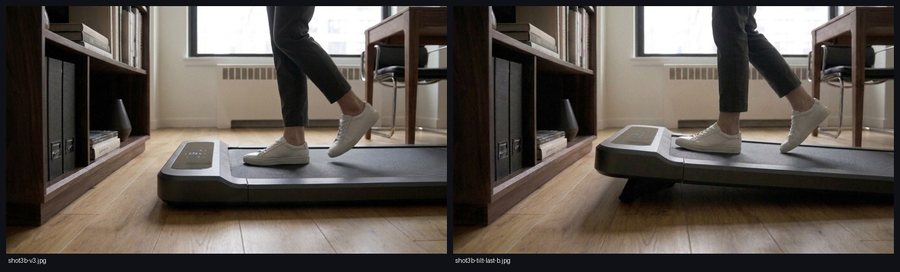
Not everything a model can do is worth showing. The review strip of the tilt, take 2: the pad was meant to rise for a hill; only the console bent.
contact sheet · tools/video_stills.py --sheet · €0
Take 3, pinned to a first and a last frame — the pad tilted, and she stopped walking. The tilt was cut from the film.
the edits

Thirteen cuts in a day.

Every version of the edit, as a filmstrip. The first cuts swap Veo takes in and out; v6 is the first with Kling; v8 and v9 take the notes from watching v7; v12 is the one that became v1.0. Click a strip to see it large.


ffmpeg · tools/video_animatic.py · €0
v1 — the first two Veo clips in place of their stills.
ffmpeg · tools/video_animatic.py · €0
v3 — the belt's cleanest seconds; the cards' fields slowed to the app's pace.
ffmpeg · tools/video_animatic.py · €0
v6 — the walk and the pad waking, both Kling.
ffmpeg · tools/video_animatic.py · €0
v9 — the call alive and counting down; the glance dropped; the walk before the tilt.
ffmpeg · tools/video_animatic.py · €0
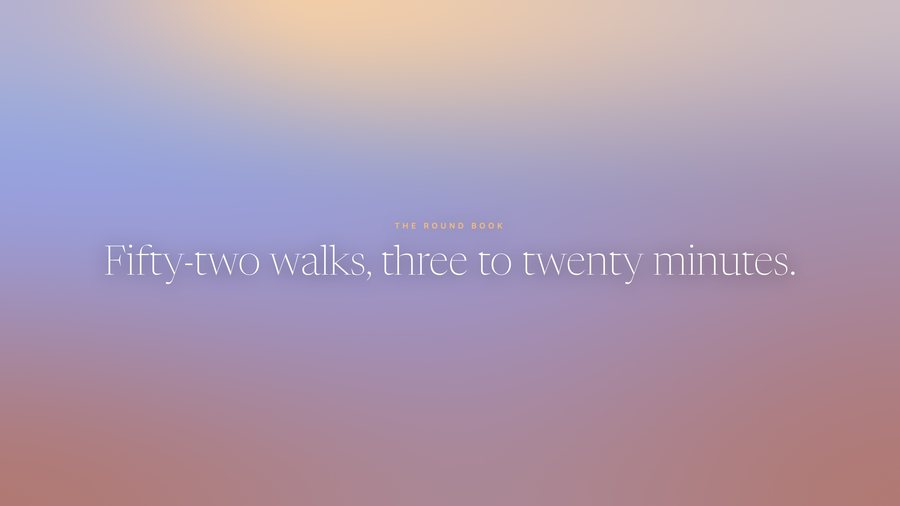
v12 — the tilt out, “Fifty-two walks” in, the supercut after the walk. This is v1.0.
a screen inside the film

The call, and a countdown that had to count.

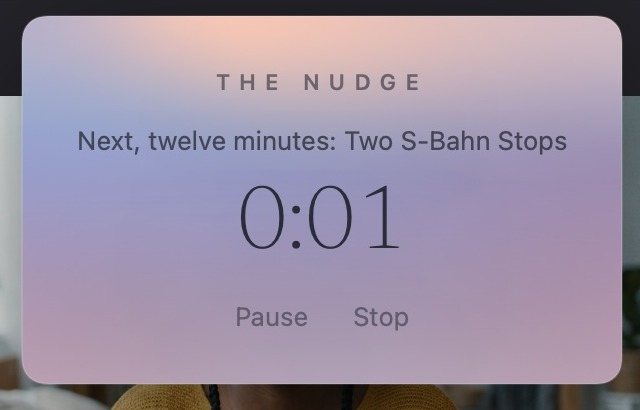
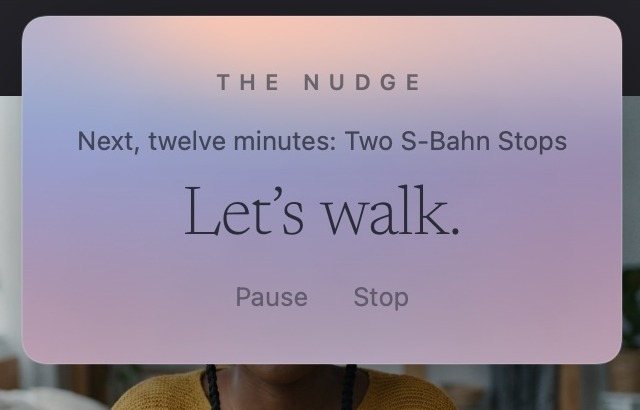
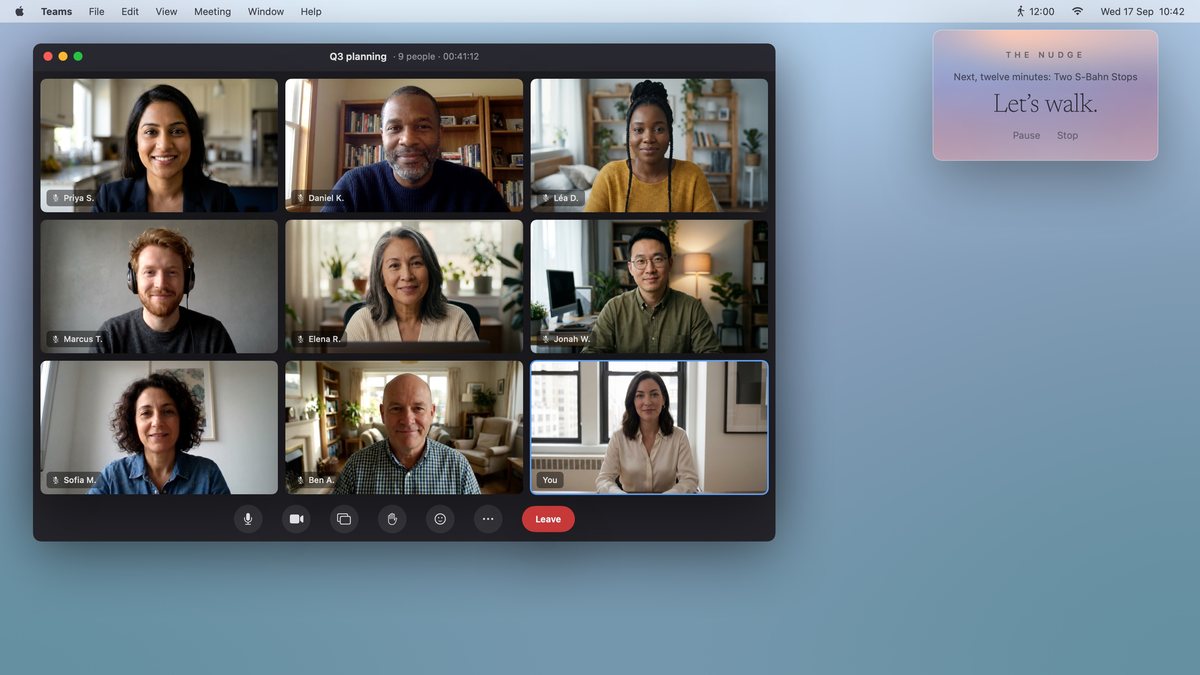
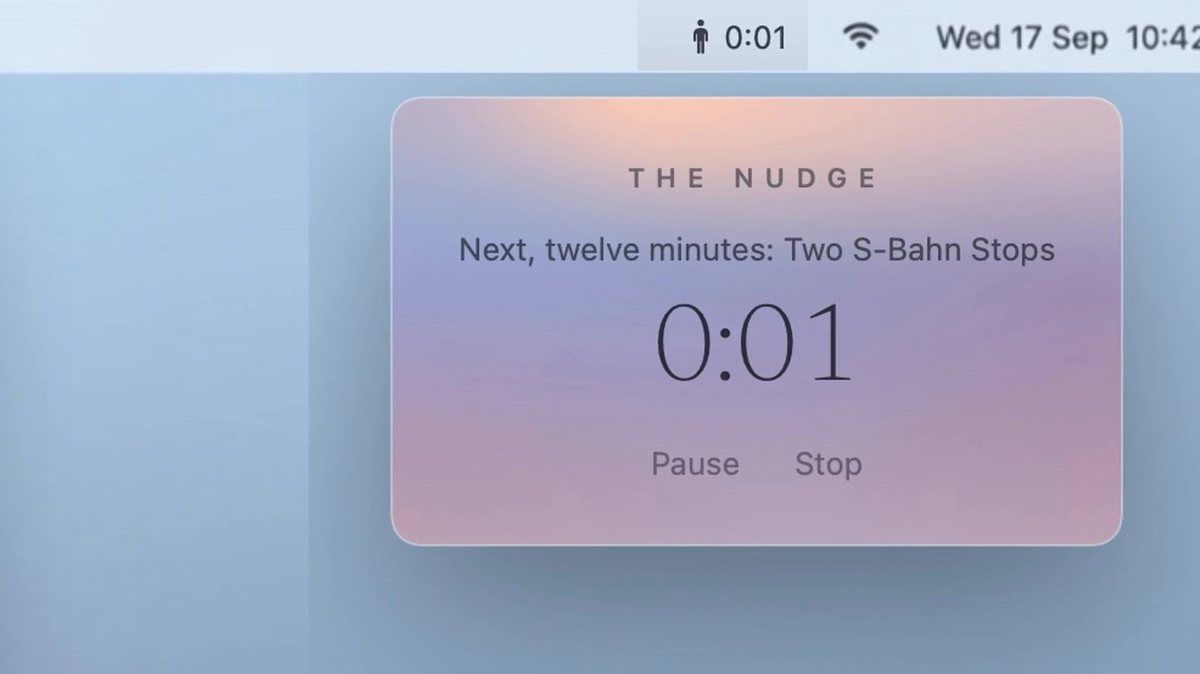
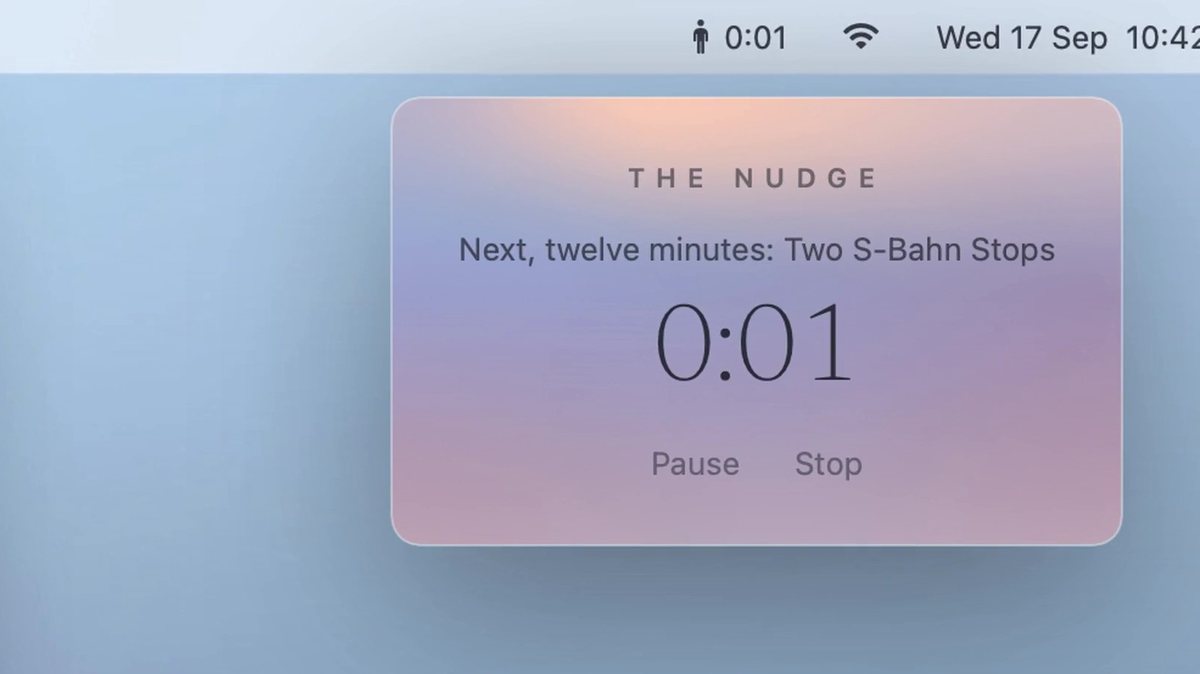
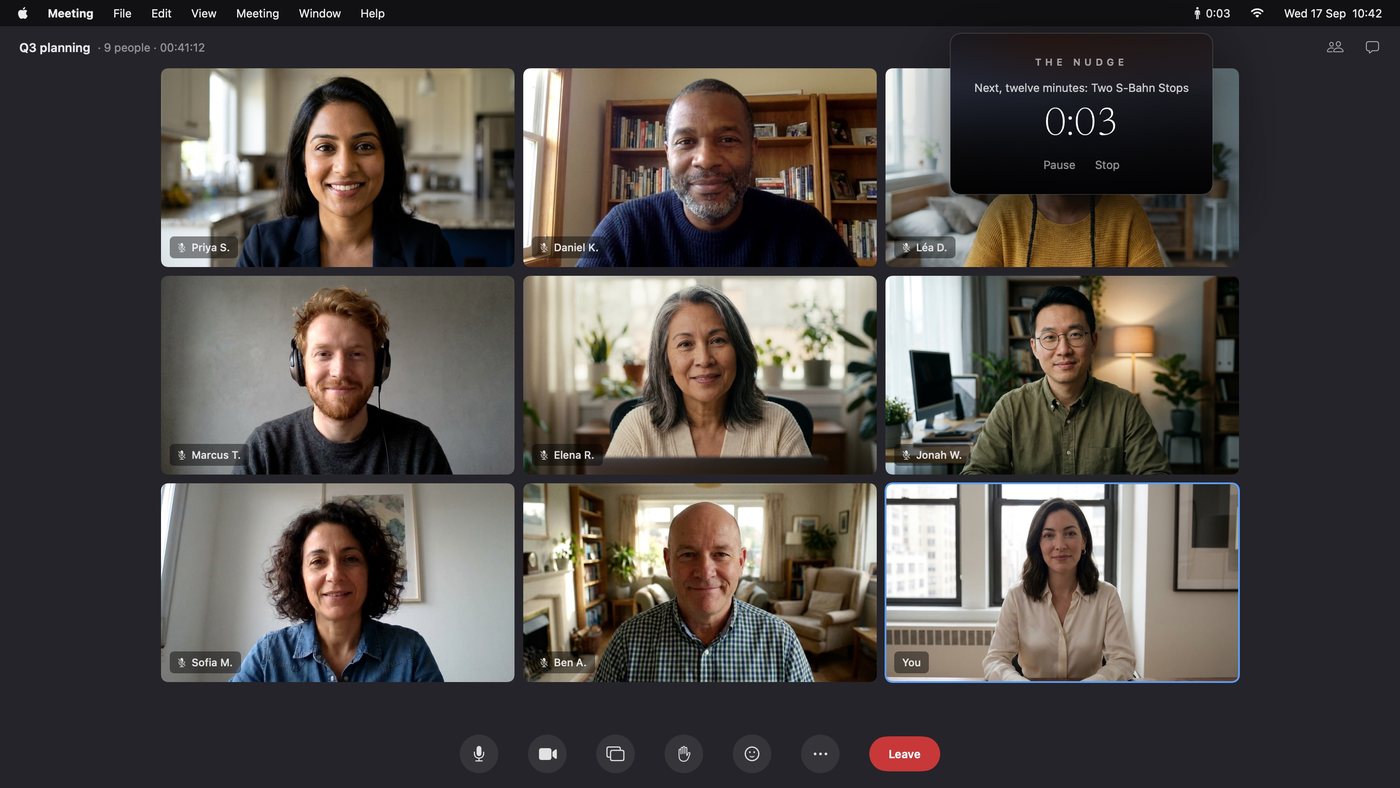
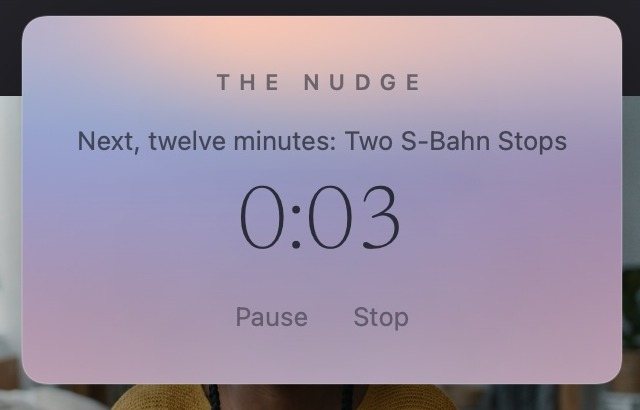
Her screen during the meeting is not footage; it is composed from the app's real menu-bar window over nine generated faces, then animated so the faces move, with the countdown swapped in frame by frame — 0:03, 0:02, 0:01, “Let's walk.”
9 face portraits · cents; 1 clip
composed: the app's real menu-bar window over generated faces · €0
The composed screen, before animation — the base the clip was generated from. It was right then; it is being redesigned now (the popup hides a participant, and it never pops).
call ·
call ·
call ·
The countdown, rendered from the app's own menu-bar window and swapped into the clip frame by frame: 0:03 … 0:01 … Let's walk. (Shown in the daylight palette.)
the idea that made the film

The same walk at every hour.

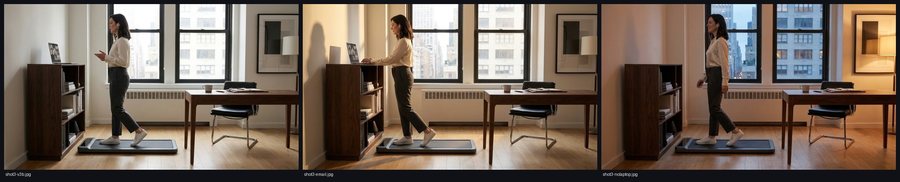
“The same person, same room, at different times of the day, doing different things while walking — a fast-paced cut.” Nine scenarios were drawn, checked on sheets, then generated: a call, a movie, a smoothie, a stretch, a book, a phone. Then sitting at the desk between walks. Then standing. The first four clips cut together were enough: “that supercut is amazing.”

≈30 clips
contact sheet · tools/video_stills.py --sheet · €0
The scenario frames on their contact sheets — each one the still a clip would be generated from: the same room, the same camera, the light and her clothes changing with the hour.
contact sheet · tools/video_stills.py --sheet · €0
The second sheet.
contact sheet · tools/video_stills.py --sheet · €0
The third: the evening frame here had her walking the wrong way, twice; two clips were lost to it before the frame was fixed.
ffmpeg · tools/video_supercut.py · €0
The first supercut: the first four of those frames as clips, cut together, 7.5 s. “That supercut is amazing.”
Gemini image (gemini-2.5-flash-image) · tools/video_stills.py · a few cents
Sitting and standing, so the cut could breathe between walks.
v1.0

v1.0, warts and all.

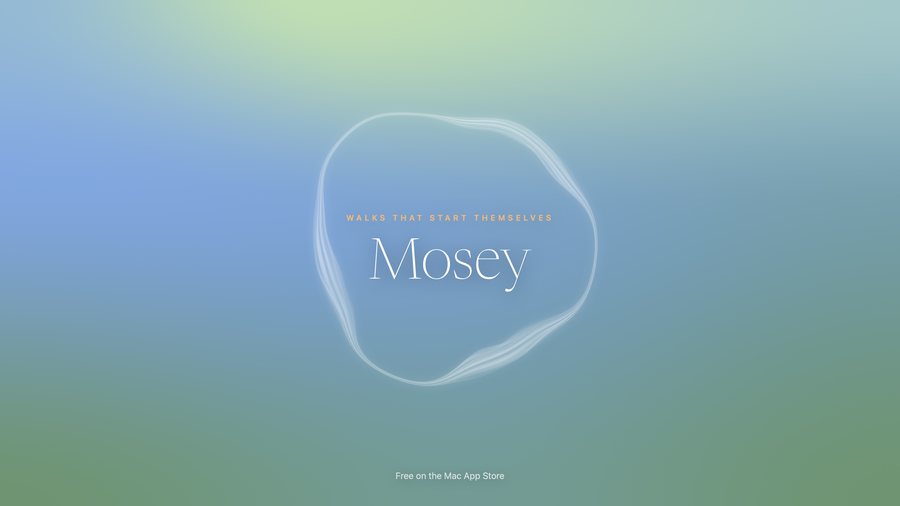
Fifty-four seconds, silent: the finding, the pad waking on its own, the call with the walk taken along, the walk, the supercut, the card. Everything after this is refinement.

the cut with the score laid on · tools/video_score.py --lay · €0
The film, v1.0 — 54.0 s, silent.
the soundtrack

“I love Philip Glass.”

A piano piece that starts calm and grows exuberant under the second supercut. Six takes from a music-generation API came back as one texture each — nothing changed at the moments the film changes. Splicing two together was “a mess”. So the piece was written as notes instead: a motif, a bass, a run built from the motif, played by a sampled grand piano. The first written draft threw “random arps and chords at it”; the second was “totally chaotic — go back to reading the scores and start over”; the third went into the film as v2.0, and was then rebuilt some thirty times, one change per render, until the notes fell on the cuts. Each take below with the note it got.

8 generated takes on the subscription; the piano and the synth, free
Generated take 1
ElevenLabs Music API · tools/video_music.py · credits
I love Philip Glass. Could you figure out a way to use an API to create a song, maybe a piano sonata ‘New York’ that starts calm and becomes more exuberant during the second supercut?
Generated take 3
ElevenLabs Music API · tools/video_music.py · credits
Every take came back as one texture from start to end — the plan asked for a change at 12 s and at 34 s, and none had one.
Generated take 5
ElevenLabs Music API · tools/video_music.py · credits
Take 5 does NOT have any change at 12s or at 34s — what are you trying to say here. The piece IS NOT EVOLVING but I asked you several times at this point.
Take 6 — two stems spliced together
ElevenLabs Music API · tools/video_music.py · credits
Whoa! This is a mess. What did you just do. No. You can't just splice together and increase volume. It should be ONE piece. Maybe you need to simply compose it for real in its entirety and then find a good way to turn those notes into an audio file without AI-gen.
The score, written as notes — what is in the film
written as notes · tools/video_score.py · sfizz + Salamander grand piano · €0
SO MUCH BETTER! It's still a bit wonky, especially in the transition from part 2 to 3, and overall the theme isn't there yet — BUT this is a commit and an update of our video online. Consider this v2.0.

The score, pass by pass — every render that was committed, oldest first. The third is the one called v2.0; the last is the one in the film.

1. "New York" for solo piano
2. One static gain instead of a normaliser
3. One four-note cell, one harmonic cycle, three gears
4. Opening's three layers
5. Part 1 at half the surface speed, the run entering on the harmony it leaves, a slow top line as the theme from bar 10, the piano in a room (FluidSynth reverb)
6. Humanised timing and touch, rendered
7. The run enters at 36 s with the supercut (bar 18)
8. A breath before each gear change
9. One texture at one weight per part, no crescendo, a full-bar breath before parts 2 and 3
10. Part 1 the motif alone, one weight for the whole piece
11. The three parts at one measured loudness, gain steps inside the breaths
12. Part 1 on the tonic alone
13. A repeating bass note under the motif from 4 s
14. The bass once a bar
15. The bass every two bars
16. The tone softened (smaller darker hall, high shelf down, top rolled off)
17. The bass rings to the breath
18. Part 3 starts at 34 s with the walks slide
19. Parts 2 and 3 end on held notes, not fades
20. Part 1 an octave down with the pedal held and a longer room
21. The held chord after 60 s no longer loudness-matched
22. The longer cut: the run to 64 s, the held chord under the end card, 67.7 s
23. Re-timed to the cut: the two-person and sitting clips in both supercuts
24. Re-timed to the cut: the walk fades to the walks slide, the supercut ends on the step-off, two rounds
25. Re-timed to the cut: the supercut's last four seconds quicken (a burst of quarter-second cuts) and the run quickens with them (sextuplets, then eight a beat)
26. Re-timed to the cut: the supercut stops at 60 s: one round, the burst, the landing, then the step-off
27. Part 1 to 12 s, a second of silence, part 2 on the slide at 13 s
28. The softer burst
29. Part 3 enters with the first supercut clip, not the slide
30. Part 2's held note rings until part 3 enters
31. Re-timed to the cut: the supercut cuts on the beat (two beats, one beat, alternating
32. Part 2 ends on the bass alone
33. The bass rings to the next part's entry
34. Part 1 ends on a struck bass note ringing into part 2
35. Part 1's final bass note audible (an octave up, firmer), ringing into part 2
36. The added final bass in part 1 removed
37. Re-timed to the cut: the supercut in two rounds on the beat: two beats a cut over every other clip, then one beat a cut over all
38. Re-timed to the cut: the film lands on her seated: the step-off runs to 5 s
other people

Other people, at the same desk.

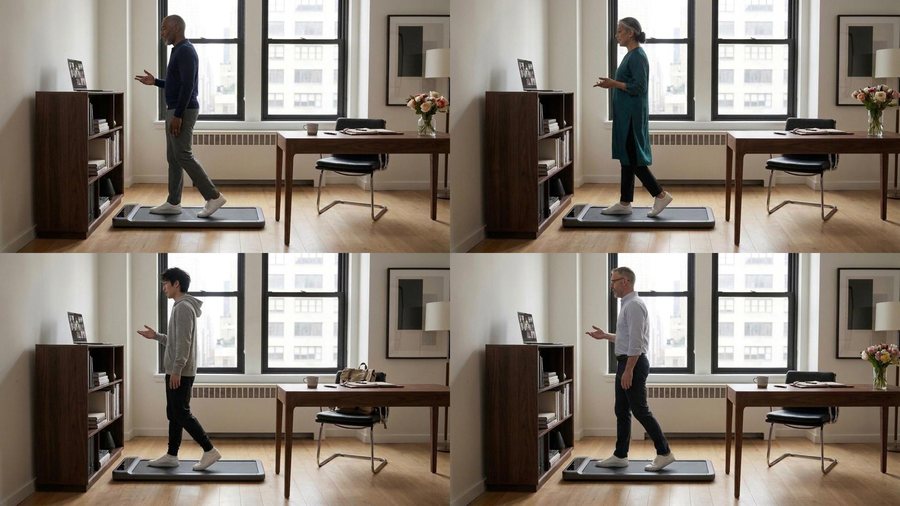
With the API in hand at sixty-seven cents a clip, the room was lent to other people: an older man, an older woman, a student, a man in his middle years — walking, then sitting — and two-person scenes. They joined the supercut, and the cut was put on the beat: every edit a multiple of half a second, two beats a cut in the first round, one in the second.

11 clips · $0.67 · $7.37
contact sheet · tools/video_kling.py · €0
Four walkers: the frames on their contact sheet before generation; the clips were made from these.
Kling 3.0 Pro · fal.ai · tools/video_kling.py · $0.67
Walking.
Kling 3.0 Pro · fal.ai · tools/video_kling.py · $0.67
Sitting.
Kling 3.0 Pro · fal.ai · tools/video_kling.py · $0.67
Two.
ffmpeg · tools/video_supercut.py · €0
The supercut in the film: 26 clips, two rounds on the beat, 26.2 s.
the cut with the score laid on · tools/video_score.py --lay · €0
v3.2 — the score on the cuts, the step-off running until she is seated. “We're done.”
every clip of the room

Everyone who walked, sat and stood at that desk.

All thirty-four clips of the room, by what happens in them: fourteen walking, twelve sitting, five standing, three together — six seconds each, twenty-six of them in the film's supercut. Then the supercut itself, every version it went through, and the opener the same way.

34 clips · 23 by the composer, 11 by API · the supercuts €0

Walking

Kling 3.0 Pro · ElevenLabs composer · ≈ 4,000 credits (≈ $0.70)
the walk
Kling 3.0 Pro · ElevenLabs composer · ≈ 4,000 credits (≈ $0.70)
an email
Kling 3.0 Pro · ElevenLabs composer · ≈ 4,000 credits (≈ $0.70)
evening
Kling 3.0 Pro · ElevenLabs composer · ≈ 4,000 credits (≈ $0.70)
a movie
Kling 3.0 Pro · ElevenLabs composer · ≈ 4,000 credits (≈ $0.70)
music
Kling 3.0 Pro · ElevenLabs composer · ≈ 4,000 credits (≈ $0.70)
a smoothie
Kling 3.0 Pro · ElevenLabs composer · ≈ 4,000 credits (≈ $0.70)
the phone
Kling 3.0 Pro · ElevenLabs composer · ≈ 4,000 credits (≈ $0.70)
a stretch
Kling 3.0 Pro · ElevenLabs composer · ≈ 4,000 credits (≈ $0.70)
a book
Kling 3.0 Pro · ElevenLabs composer · ≈ 4,000 credits (≈ $0.70)
a brainstorm
Kling 3.0 Pro · fal.ai · tools/video_kling.py · $0.67
the older man
Kling 3.0 Pro · fal.ai · tools/video_kling.py · $0.67
the older woman
Kling 3.0 Pro · fal.ai · tools/video_kling.py · $0.67
the student
Kling 3.0 Pro · fal.ai · tools/video_kling.py · $0.67
the man in the middle

Sitting

Kling 3.0 Pro · ElevenLabs composer · ≈ 4,000 credits (≈ $0.70)
typing
Kling 3.0 Pro · ElevenLabs composer · ≈ 4,000 credits (≈ $0.70)
reading
Kling 3.0 Pro · ElevenLabs composer · ≈ 4,000 credits (≈ $0.70)
writing
Kling 3.0 Pro · ElevenLabs composer · ≈ 4,000 credits (≈ $0.70)
leaning back
Kling 3.0 Pro · ElevenLabs composer · ≈ 4,000 credits (≈ $0.70)
feet up
Kling 3.0 Pro · ElevenLabs composer · ≈ 4,000 credits (≈ $0.70)
the phone
Kling 3.0 Pro · ElevenLabs composer · ≈ 4,000 credits (≈ $0.70)
lunch
Kling 3.0 Pro · ElevenLabs composer · ≈ 4,000 credits (≈ $0.70)
sketching
Kling 3.0 Pro · fal.ai · tools/video_kling.py · $0.67
the older man
Kling 3.0 Pro · fal.ai · tools/video_kling.py · $0.67
the older woman
Kling 3.0 Pro · fal.ai · tools/video_kling.py · $0.67
the student
Kling 3.0 Pro · fal.ai · tools/video_kling.py · $0.67
the man in the middle

Standing

Kling 3.0 Pro · ElevenLabs composer · ≈ 4,000 credits (≈ $0.70)
the window
Kling 3.0 Pro · ElevenLabs composer · ≈ 4,000 credits (≈ $0.70)
a stretch
Kling 3.0 Pro · ElevenLabs composer · ≈ 4,000 credits (≈ $0.70)
shoulders
Kling 3.0 Pro · ElevenLabs composer · ≈ 4,000 credits (≈ $0.70)
the phone
Kling 3.0 Pro · ElevenLabs composer · ≈ 4,000 credits (≈ $0.70)
leaning

Together

Kling 3.0 Pro · fal.ai · tools/video_kling.py · $0.67
talking
Kling 3.0 Pro · fal.ai · tools/video_kling.py · $0.67
over the plan
Kling 3.0 Pro · fal.ai · tools/video_kling.py · $0.67
laughing

The supercut, version by version

ffmpeg · tools/video_supercut.py · €0
four walking clips, thirteen cuts
ffmpeg · tools/video_supercut.py · €0
nine walks — in cut v12
ffmpeg · tools/video_supercut.py · €0
the full walking round, 15.5 s
ffmpeg · tools/video_supercut.py · €0
two standing clips join
ffmpeg · tools/video_supercut.py · €0
three sitting clips join
ffmpeg · tools/video_supercut.py · €0
four other walkers; the last round quicker
ffmpeg · tools/video_supercut.py · €0
the two-person and sitting clips
ffmpeg · tools/video_supercut.py · €0
ends on the step-off; two rounds
ffmpeg · tools/video_supercut.py · €0
a burst of quarter-second cuts at the end
ffmpeg · tools/video_supercut.py · €0
stops at 60 s: one round, the burst, the landing
ffmpeg · tools/video_supercut.py · €0
the burst halved
ffmpeg · tools/video_supercut.py · €0
every cut on the beat: two beats, one beat, alternating
ffmpeg · tools/video_supercut.py · €0
two rounds on the beat — the one in the film

The opener, version by version

ffmpeg · tools/video_supercut.py · €0
walking and sitting alternating, 0.45 s a cut — “too hectic”
ffmpeg · tools/video_supercut.py · €0
calmer: 1.4 s holds, half-second crossfades
ffmpeg · tools/video_supercut.py · €0
the stretch walk and two standing clips
ffmpeg · tools/video_supercut.py · €0
two-person and sitting clips
ffmpeg · tools/video_supercut.py · €0
opens on the two women over the plan — the one in the film
the colours

It looked like a poster for a horror movie.

Seen all together for the first time — the app, the site, the film — every colour field was a night. A PDF first: the fields as they were, then three looks. Golden hour won. Each walk kept the hues of its own night palette and only the light changed; the cards were re-rendered, the film re-cut. It also cost a detour: the re-render was first done at the tools' defaults, which lost the crossfades and doubled the fields' drift, and had to be redone from the exact recipe of the previous cut.
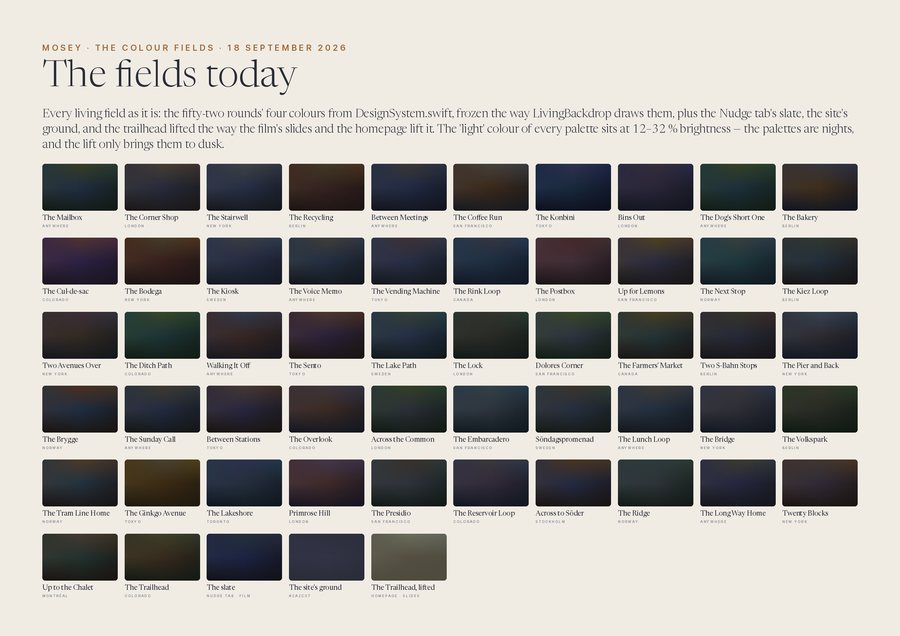
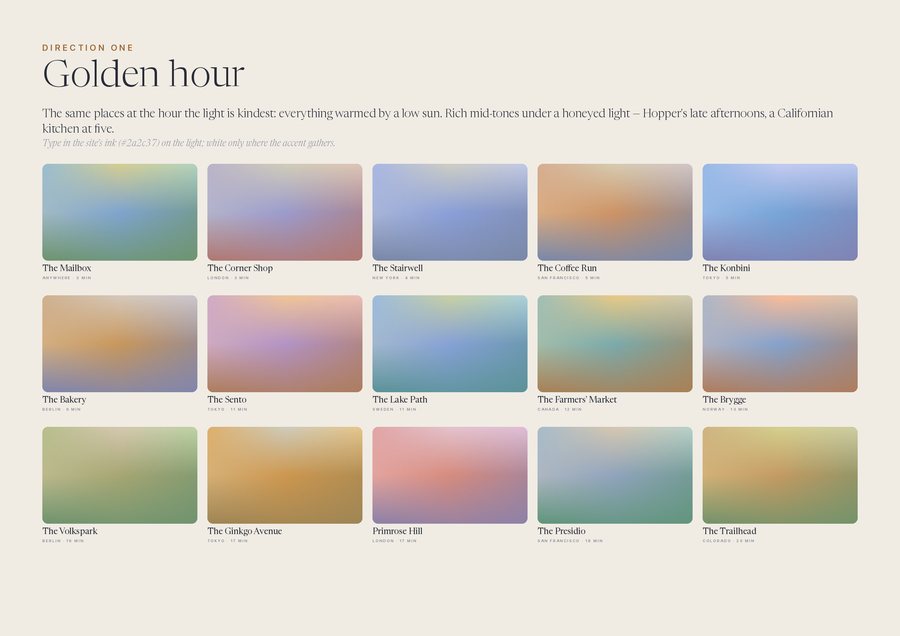
€0 — and a detour
tools/colour_fields_pdf.py · €0
The fields as they were (left), and Golden hour (right), from the exploration PDF.
rendered from the app's own components · tools/appstore_screenshots_gen.swift · €0
The cards in daylight.
the bill

What it cost.

Two days, two people, one of them a model. The money went on generations; the tools that did the rest — the piano samples, the synthesiser, the encoder, the app's own components for the cards and the screens — cost nothing.

ItemCountUnitTotal
Storyboard and scenario frames (Gemini)≈130cents≈ €12
Veo 3.1 clips (Google AI Studio)10€2.85€28.50
ElevenLabs Starter, then Creator (Kling 3.0 Pro clips, the music takes)2 months$6 + $22$28
Kling 3.0 Pro by API (fal.ai)11$0.67$7.37
Piano samples, synthesiser, ffmpeg, the app's componentsfree€0
Charged for the film≈ €75
Of which never made the film21 of 53 clips≈ €30