Alexis Rondeau

Archive

May 2023 · 9 dispatches

36 views
In reply to @emollick · May 28, 2023

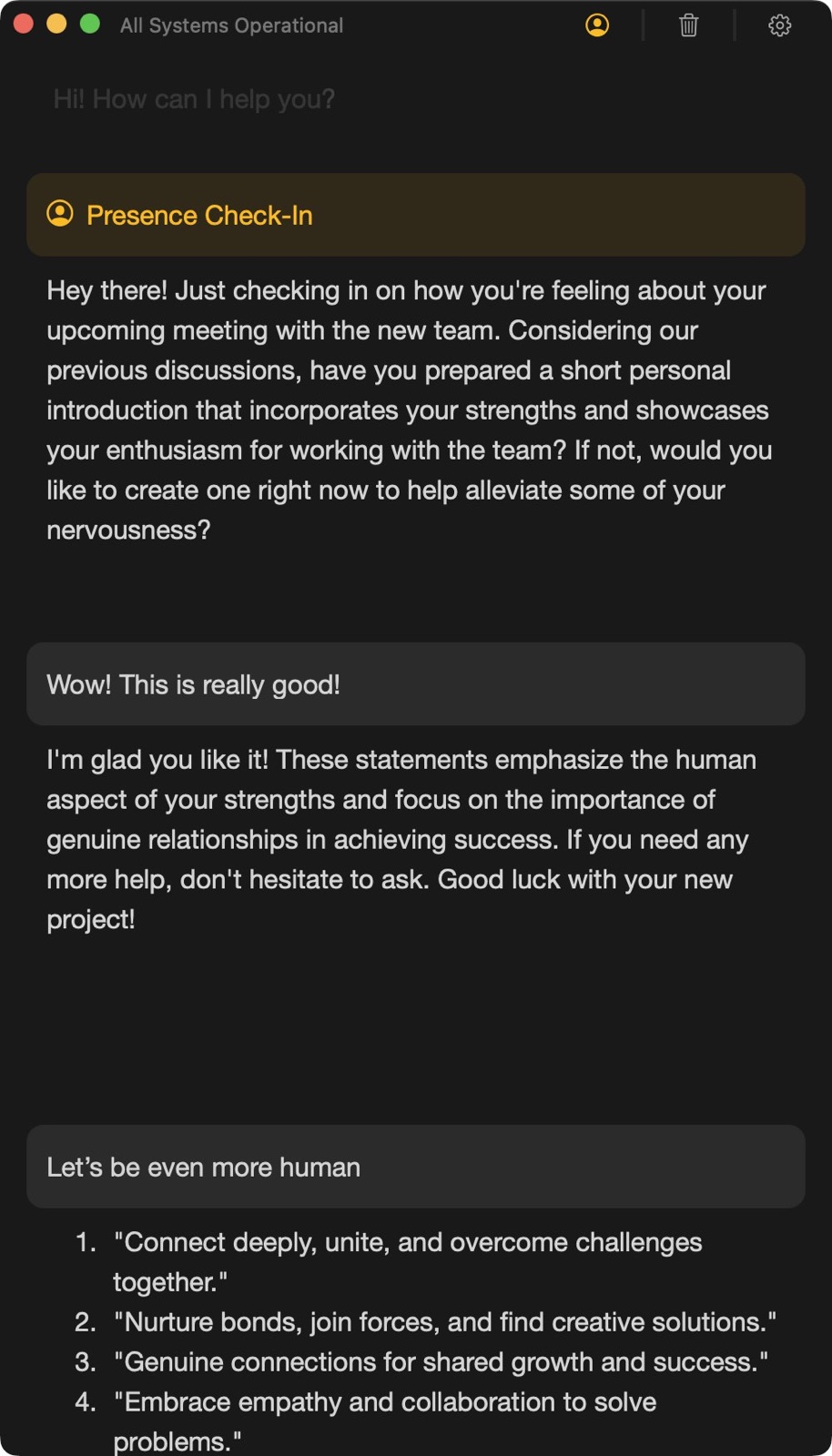
This is a discussion of why it is so hard to build production software on LLMs: they are slow, weird, make errors & are inconsistent.

Thinking of AI as software results in disappointment. It is usually more helpful to think of AI as acting like a person (even though it isn’t). t.co/HIYxY88Xpn

@emollick To me, "[...] It is pretty good people" brings it full-circle back to Heinz Von Foerster's astute AND charming lecture "2 × 2 = Green".

@emollick
, thank you for putting into words what I keep wanting to say!
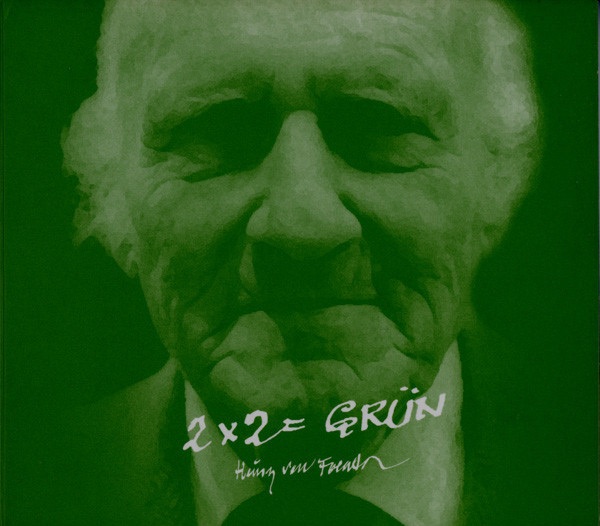
DiscogsHeinz Von Foerster - 2 X 2 = GrünView credits, reviews, tracks and shop for the 1999 CD release of "2 X 2 = Grün" on Discogs.↗ discogs.com
Poppy

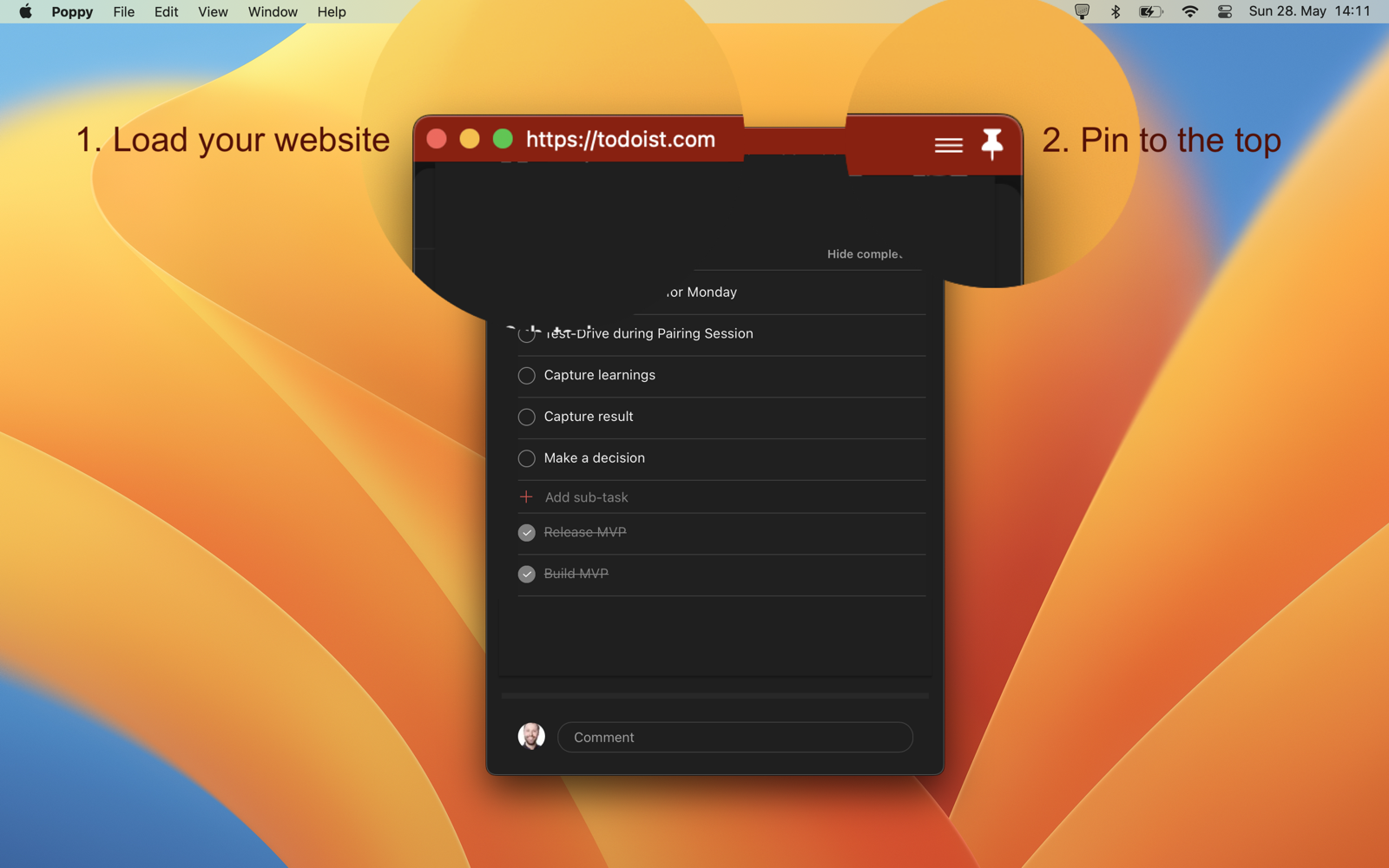
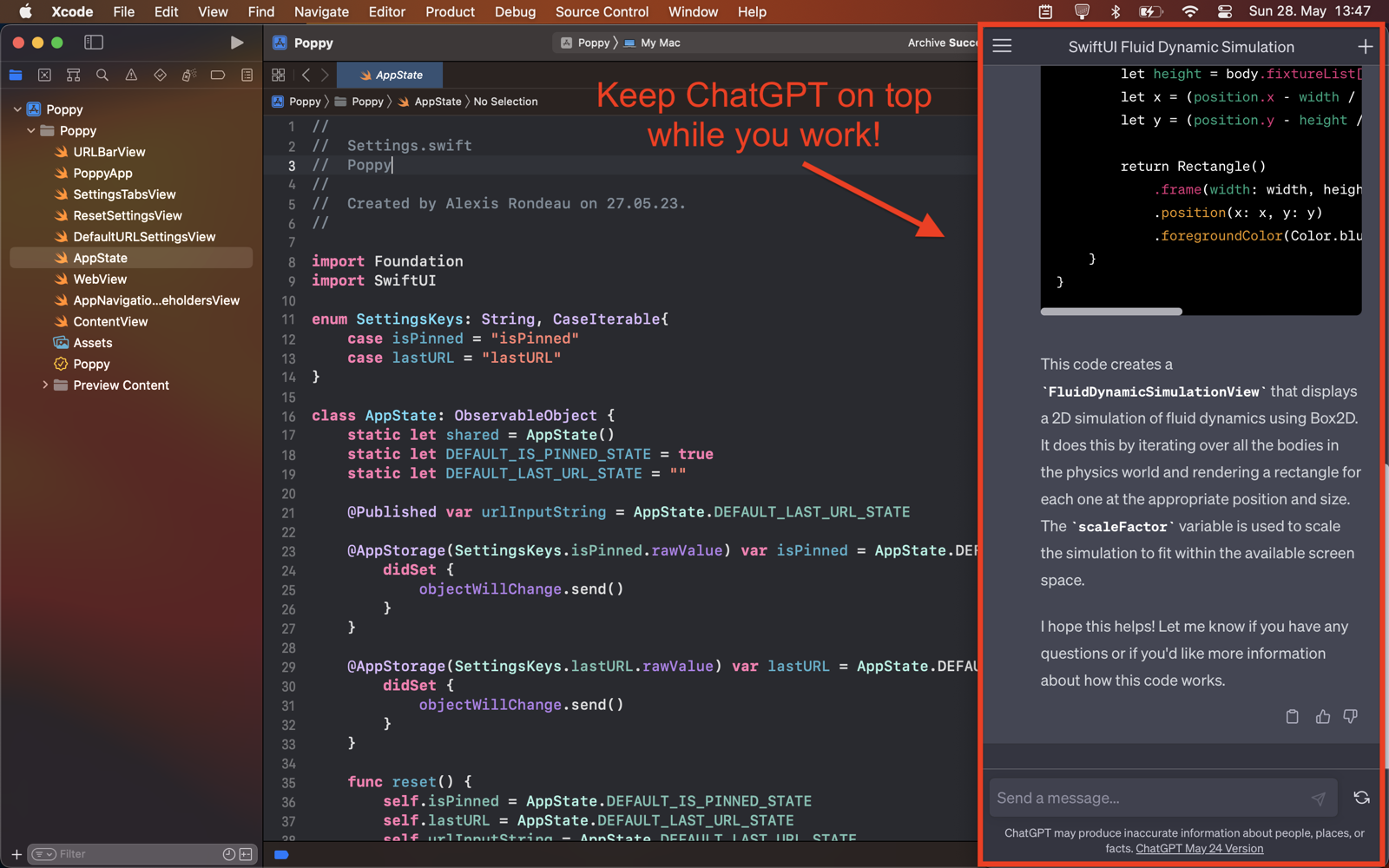
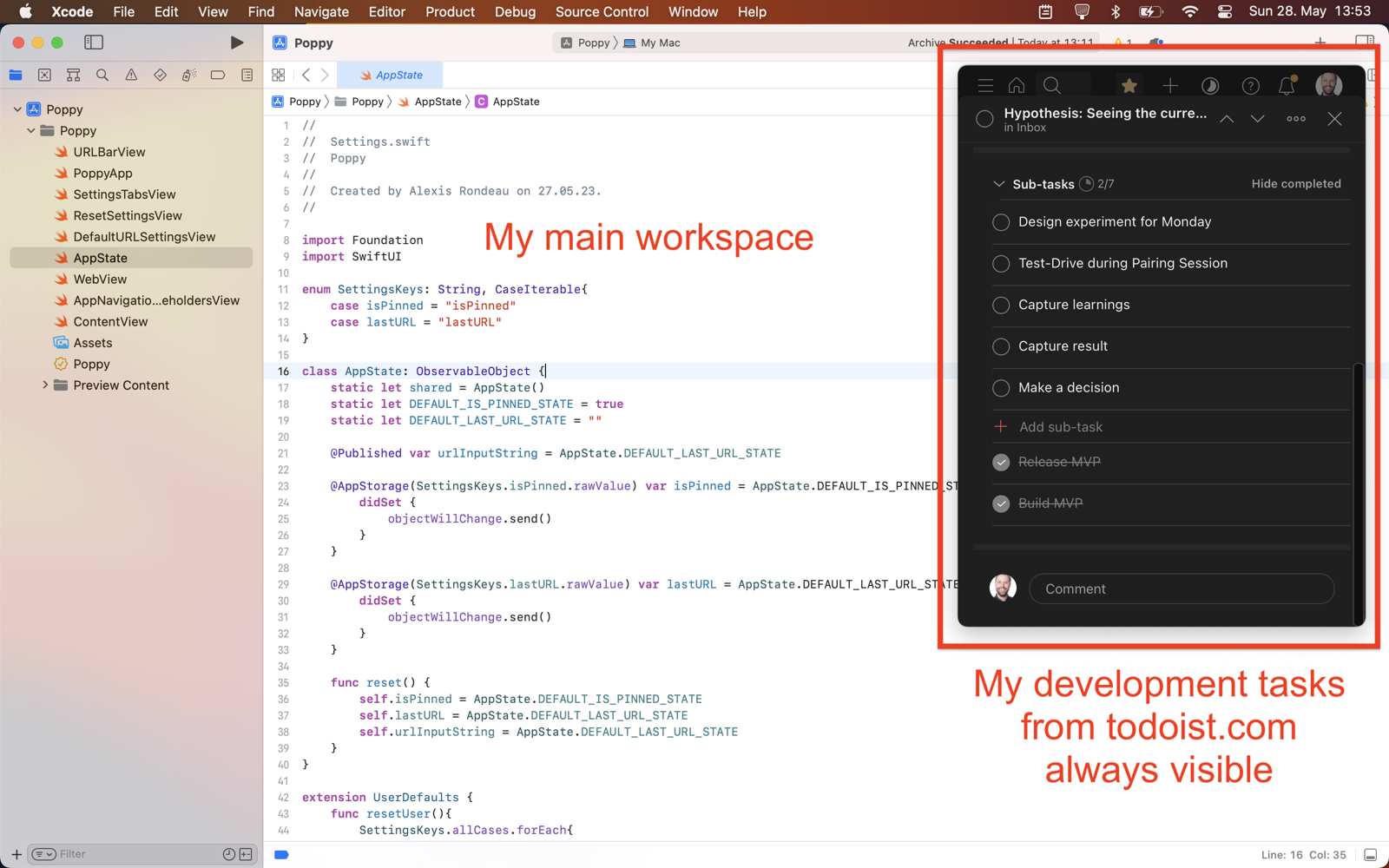
Poppy keeps your single most important webpage on top of all other windows. Very useful while writing with ChatGPT or pair programming on a backlog ticket.

5 stars · Swift

🎉 Poppy keeps your single most important website on top of all other windows.

Poppy is a free, tiny, native app for macOS Ventura.

It’s incredibly useful for…

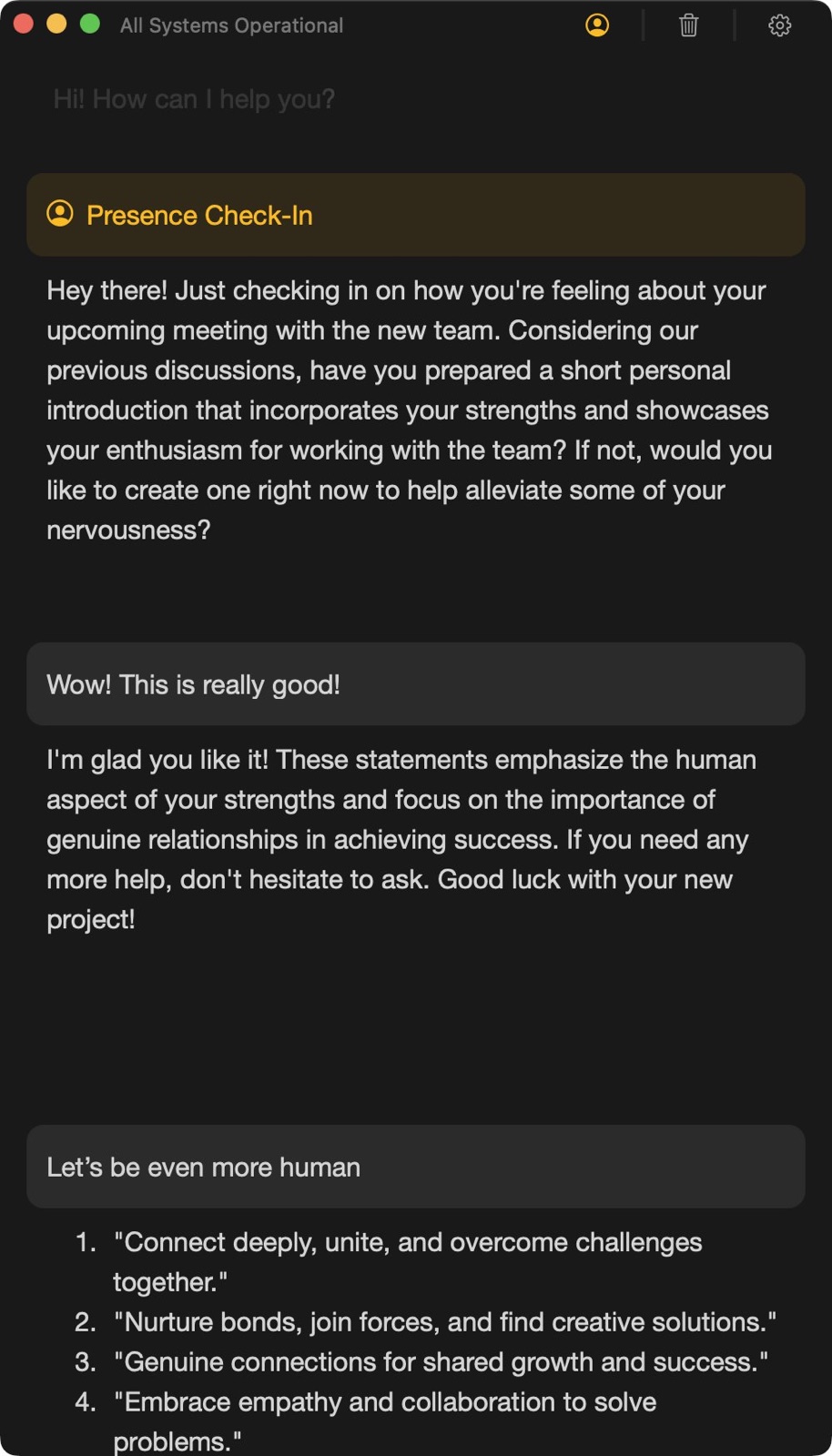
…Writing and Editing with ChatGPT

Need ChatGPT visible during writing?

Always switching between ChatGPT and your working documents?

Want to maximize screen space?

ChatGPT

🎁 Get Poppy!

…Pair Programming Driver/Navigator-Style

Working on a giant shared display?

Do you prefer working in your IDE full-width?

Want to keep an eye on the backlog ticket?

Todoist

🎁 Get Poppy!

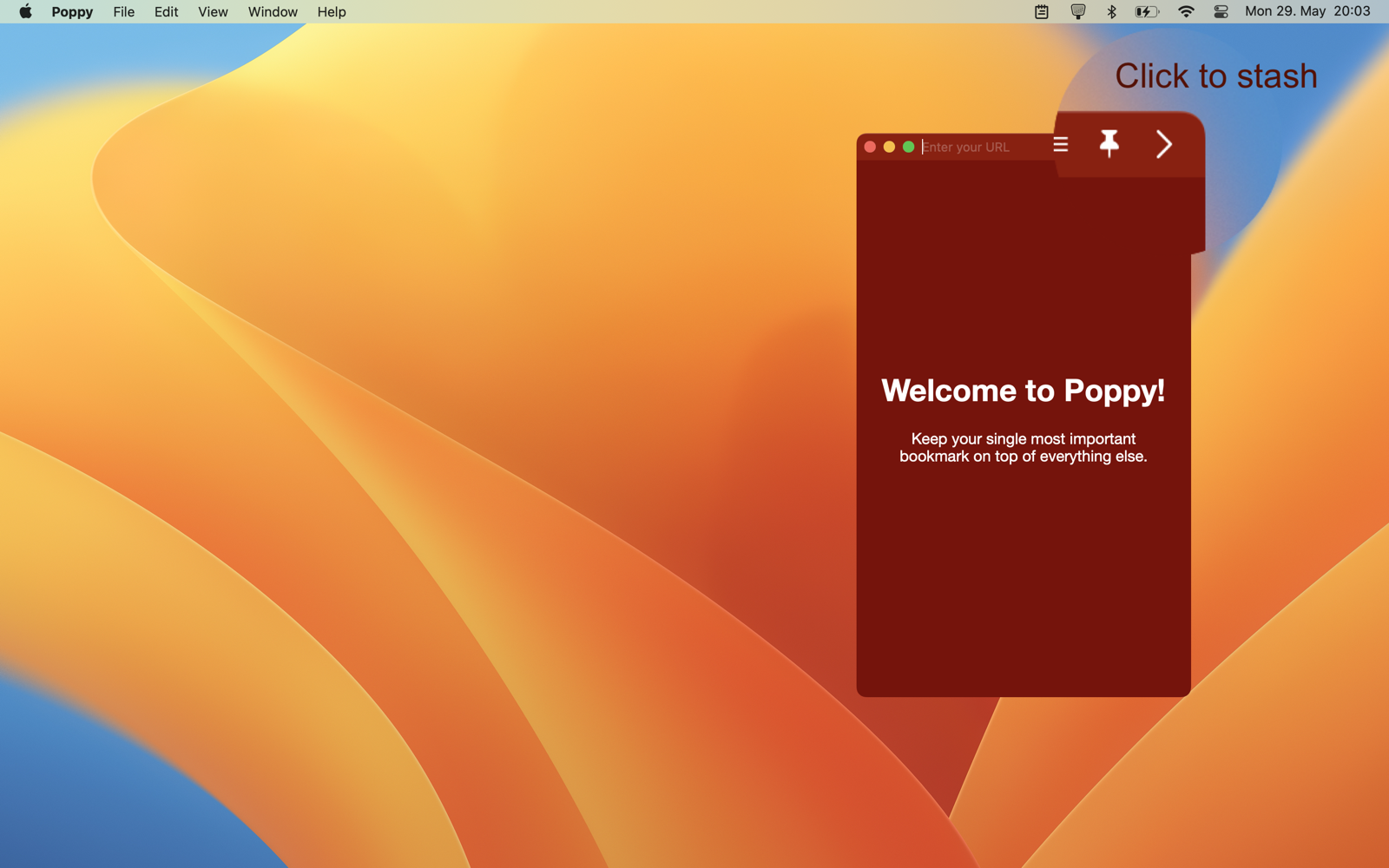
Works with all websites, pinning is optional

Got a different website?

Want to un-pin Poppy sometimes?

You got it!

Load and Pin

🎁 Get Poppy!

Stash and Un-stash

Need to briefly hide Poppy?

No problemo!

Stash

Un-Stash

Development Notes

Roadmap

  • … MVP test
  • Add automatic updates
  • Add global hotkey for show/hide

    • … Stress-test hotkey feature

Releases

Appendix

Made with love and relased under the GNU General Public License v3.0 by Alexis Rondeau.

obsidian-airgap

This plugin allows you to link to notes in an airgapped vault. This is useful if you want to link to ideas from one vault while working in a different one without the danger of mixing up the two.

6 stars · TypeScript

Airgap

This plugin allows you to link to notes in an airgapped vault. This is useful if you want to link to ideas from one vault while working in a different one without the danger of mixing up the two.

Preparation

To use this plugin, you must first create a list of all note titles in your airgapped vault.

  1. Install the plugin in both vaults: Your airgapped vault and the one you want to link from.
  2. In your airgapped vault: Search for "Insert list of note titles" using the command-palette, then run it. Copy the list of note titles to your clipboard.
  3. In the current vault: Paste it into the "Airgapped Titles List" setting of this plugin.

Usage

To link from your current to a note in the airgapped vault, simply type {{ (two curly braces).

This will trigger the search and a list of suggestions will appear. Select the note you want to link to and press enter.

The link will be inserted into your note and will be marked as an airgapped link using an emoji. This emoji can be configured in the settings.