Experiment: Field-testing My "Dream/Plan/Execute" Application for Ease-of-Use and Productivity
Theory: If I use my Dream/Plan/Execute MVP, THEN I’ll get more done than using Trello
Method: Use MVP (Monday to Monday) for one week
Prediction: I’ll want to continue to use it onwards
Day 1 (Tuesday)
So far, so good. I had broken down my book down to the chapter level and I felt pretty good not having to think about what’s next, but just have the next task pop up automatically.
Day 2 (Wednesday):
I felt pretty productive today, wrote 4 chapters in the book, and feel, so far, pretty calm about progress. I added the progress-bar yesterday which I enjoy seeing increase.
Day 3 (Thursday):
Today feels really good, I also added “make your bed, first thing” to my morning routine which kicked off a nice flow. Already covered more than 9 points for my book (I consolidated a bunch of “chapters” into paragraphs.)
So far, today, I’ve gotten 19 high-value tasks done which is pretty neat. Oh, I added that count yesterday and I think it’s working well.
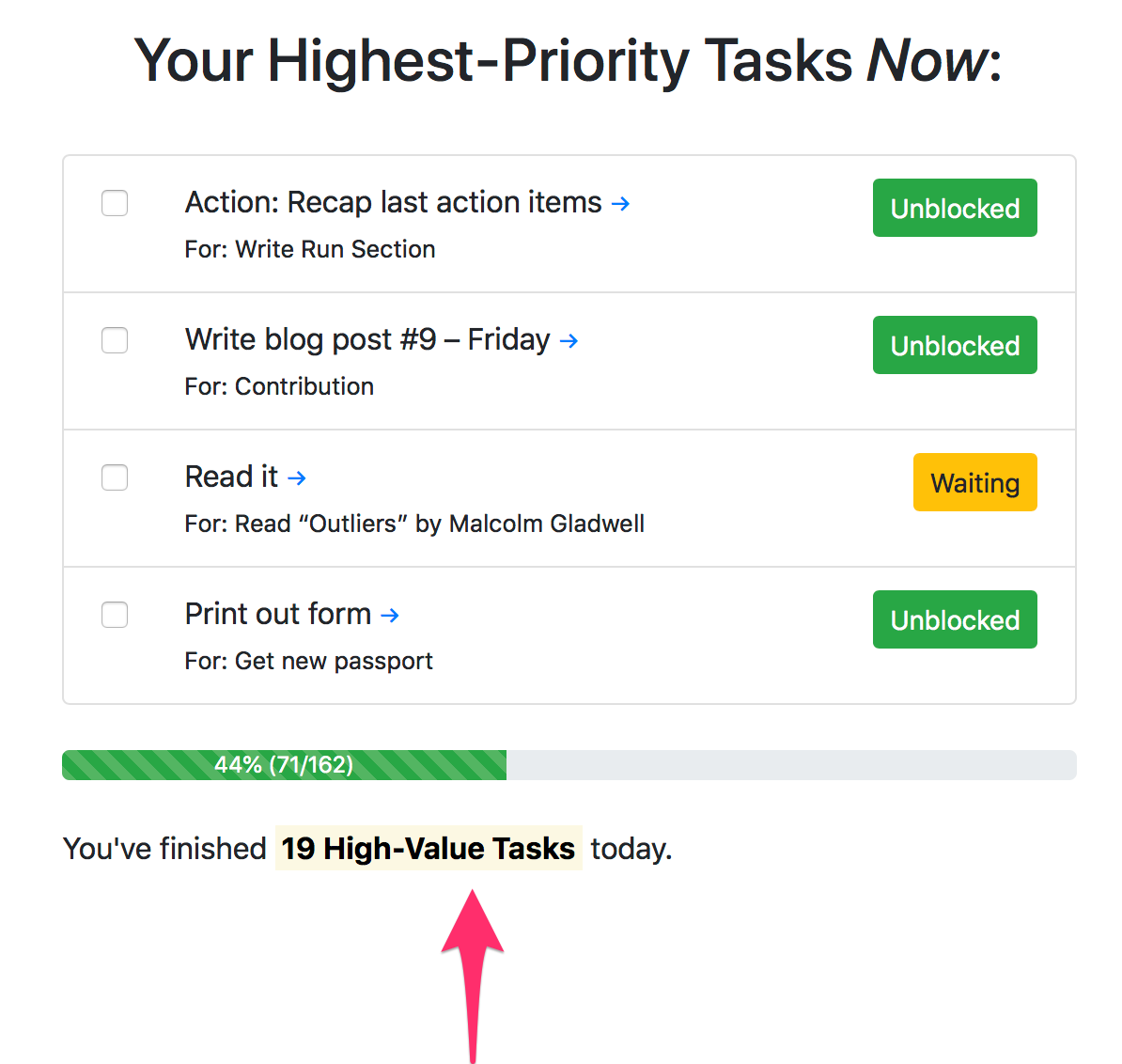
Day 4 - 7 (Friday and over the weekend)
I kept using it from Friday through Saturday. I took a break from working on Sunday.
Day 8 – Monday / JuDgEMenT DAy
Results
- I used the app 6 out of 7 days
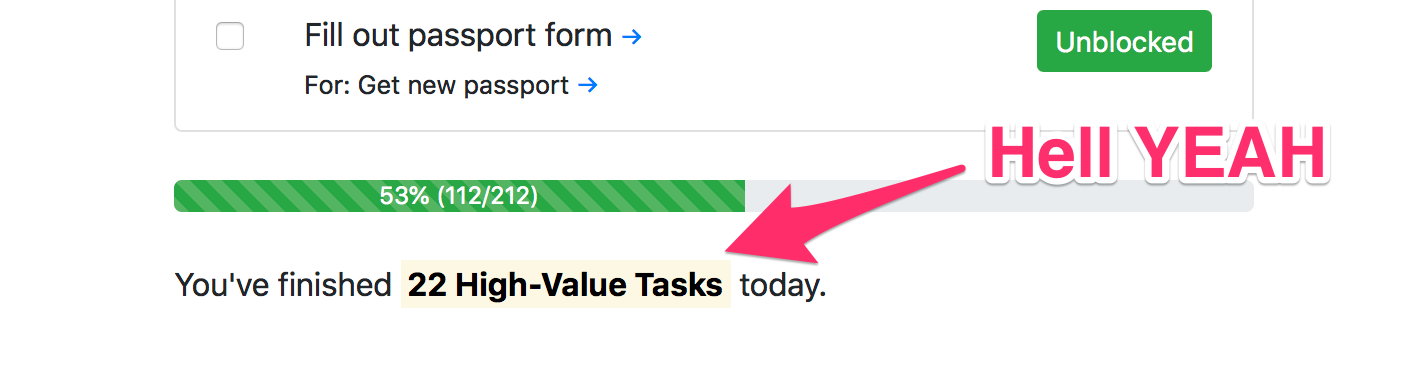
- I’ve completed 112 small, but high-value tasks
- So far I do not miss Trello.
- I want continue to use it for another week.
Decision
Persevere! I’ll continue working on and with the application for another week.
Learnings
- What worked well:
- Slicing down big tasks into tiny, tiny, tiny sub-tasks actually proved to work well for me. I was able to start and pick the smallest thing that usually takes about 5 minutes or less and get started instead of feeling overwhelmed.
- The small “You finished X high-value tasks” message kept me motivated and excited
- I feel like I’m making solid progress in key areas of my life
- I like having the native app
- What was “Okay”:
- The progress-bar is okay, but it gives me more value to look at today’s tasks
- I upgraded to a maximum of 6 top-level goals and I’m curious to see if that helps
- I’m not sure how to “plan for the week” with this interface
- I’m not really using the “Plan” tab as much. Instead I do my planning on the goal-level
- I’m unclear how “Meta” Personal Development is in regards to the app.
- What didn’t work so well:
- I have had moments when I mixed planning and execution where it’s easy to feel overwhelmed.
- I don’t yet love the “Goal” summary page (but it’s still helpful to have it)
- I’ve mostly lost track of chores I have to do that live outside my goals
- Today’s IPM felt messy and all over the place. There were timing factors, too.
- When planning/adding tasks, the page-reload sucks when you’ve collapsed tasks before
- It’s not good to represent recurring tasks/habit-forming activities
Related
- Fun Retrospective Formats
- High-Value, Low-Dopamine Activities