Demo

Who
- For myself:
- As an avid Obsidian user who…
- Often doesn’t have Obsidian running because I prefer to have only the app I’m working in running at a time
- Loves taking many small markdown notes for my vault
- Uses MacOS
What
- A minimal markdown note-taking menu bar app for MacOS
- Quickly and lets me seamlessly open, write and save markdown notes into my Obsidian vault
- Designed to be completely keyboard-first
Why
- I want to quickly save small notes into my Obsidian vault without having Obsidian running or having to open it
- As a keyboard-first person, I want to capture an idea while 100% staying on my keyboard
- None of the existing menu-bar apps provide the minimal configuration I am looking for: Focus on keyboard-first and simple, no-frills markdown support
How
- Keyboard-first note-taking
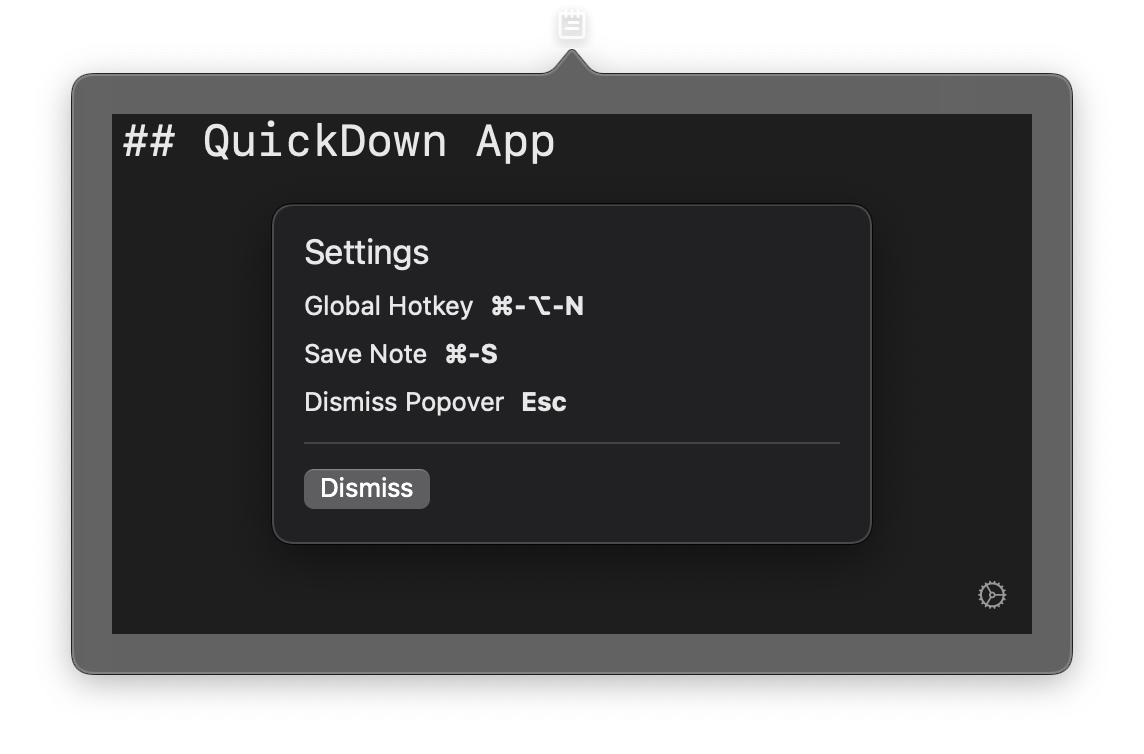
- Seamless writing with a single global hotkey that opens and focuses the note-field (Command-Option-N)
- Direct saving to Obsidian vault with standard hotkey (Command-S)
Repository
Settings
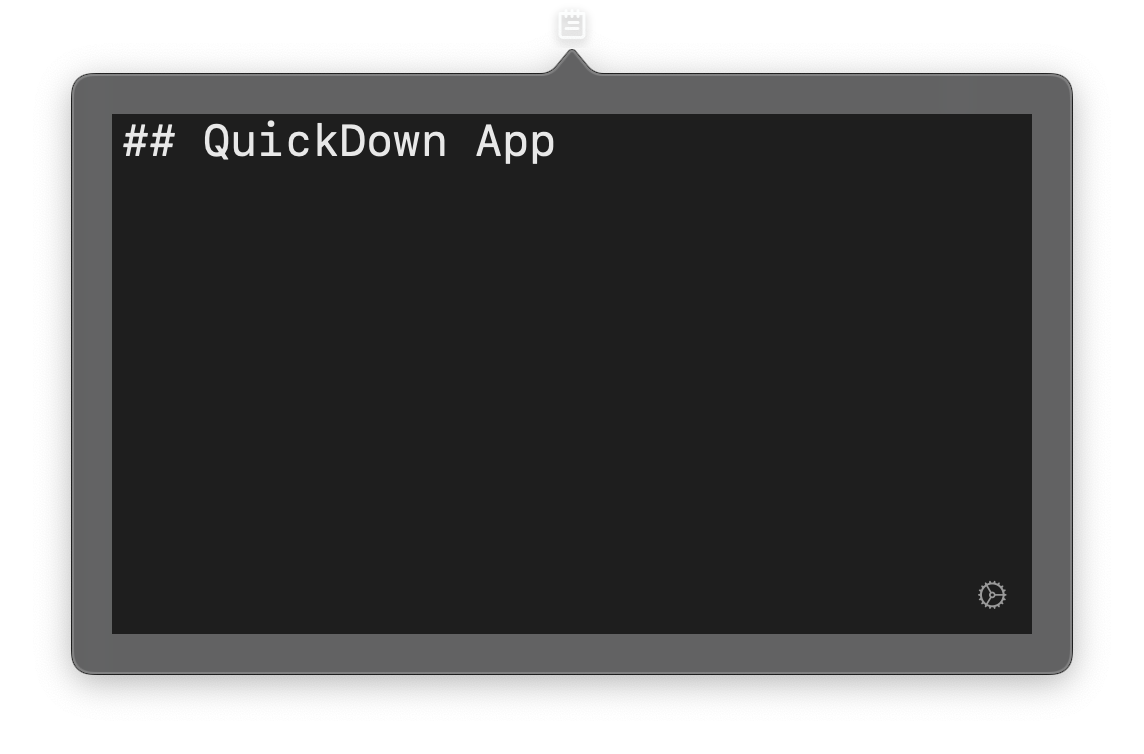
- Gear-button bottom-right to access
- Modal overlay with basic hotkeys
Progress
- QuickDown Menu Bar App – 8.12.2021
- QuickDown Menu Bar App – 7.12.2021
- Older QuickDown Menu Bar App Notes