Alexis Rondeau

Newsfeed

Everything I publish, in the order I published it: dispatches from Twitter, videos from YouTube and notes from my vault, archived here in full — text, images, video and links — so they outlive the platforms.

921 dispatches since January 2012 · page 28 of 37

497 views · 1 bookmark
In reply to @ZeroSuitCamus · Jun 13, 2024

Imagine going to the club in 1970 to hang with your friends and a band you’ve never heard of called Kraftwerk is playing and they ruin your night by inventing techno music t.co/sSN5CrGfLc

Video from the post▶ Watch on Twitter

@ZeroSuitCamus Nice find! I hadn't seen the full clip - only a teaser in the BBC doc "Krautrock – The Rebirth of Germany".

Highly recommend watching if you want to know why Kraftwerk et al sounded this way at that time.

1 like · 815 views
In reply to @MIT_CSAIL · May 7, 2024

If sperm whales could talk, what would they say?

New research on their communication reveals a complex combinatorial system that challenges our understanding of animal vocalizations.

By analyzing 8,719 whale click sounds called “codas”, using machine learning, MIT CSAIL & Project CETI scientists uncovered a nuanced "sperm whale phonetic alphabet.”

A thread 🐋

@MIT_CSAIL When I read "If sperm whales could talk, what would they say?" instantly reminded me of Laurie Anderson's 1984's "Mach 20"

SubSpot

A streamlined UI subset for Hubspot Deals

CSS

SubSpot

A streamlined subset of UI elements for working with Hubspot pipelines and deals more efficiently

Benefits

  • Less noise, more focus
  • Easier opening of related websites
  • Easier reading and copying of multi-line text properties

Features

  • Hides most visual noise
  • Replaces selected URL-based properties with buttons
  • Replaces selected text-based properties with easier-to-read text

How to install

  • Click the green “Code” button
  • Download ZIP
  • Extract ZIP
  • Open chrome://extensions/ in Chrome
  • Click Load Unpacked
  • Choose the unzipped directory

How to configure Hubspot properties

  • Open chrome-extension://amkkhgnomjpmclmafojefjghbclnehlj/src/options/options.html
  • Configure your Hubspot properties
  • Save your settings
  • Reload your deal pipeline
647 reposts
Reposting @berlin_bridge · Jul 11, 2023

#Ukraine has sacrificed more in the last 503 days for Europe’s security than any country in 78yrs. They fight for us but don’t ask us to fight for them. No #NATO entry now, no Article 5. They just need jets, LRMs & an invitation that tells Russia clearly: #UkraineInNATO is coming

132 reposts
Reposting @emollick · Jun 9, 2023

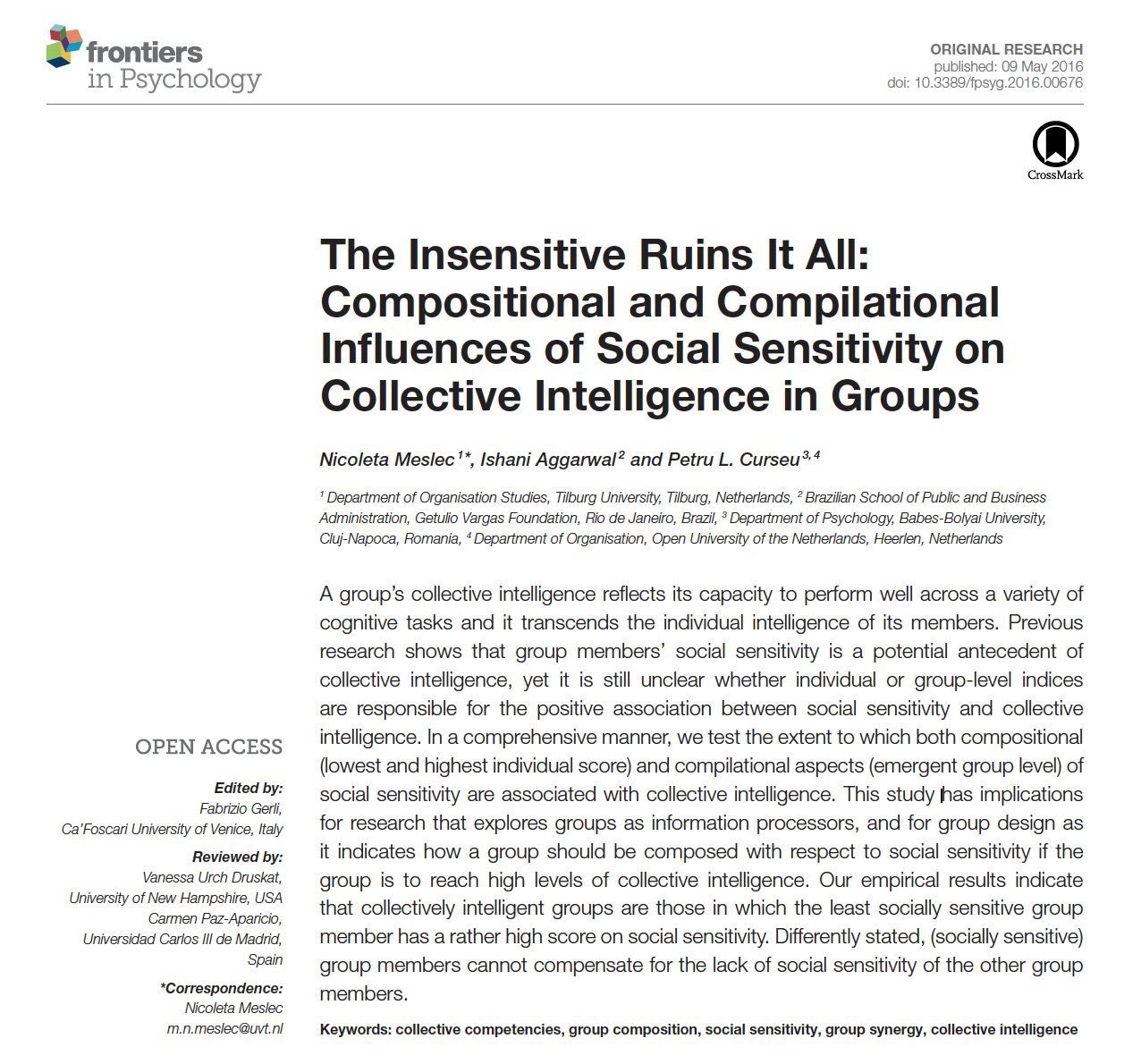
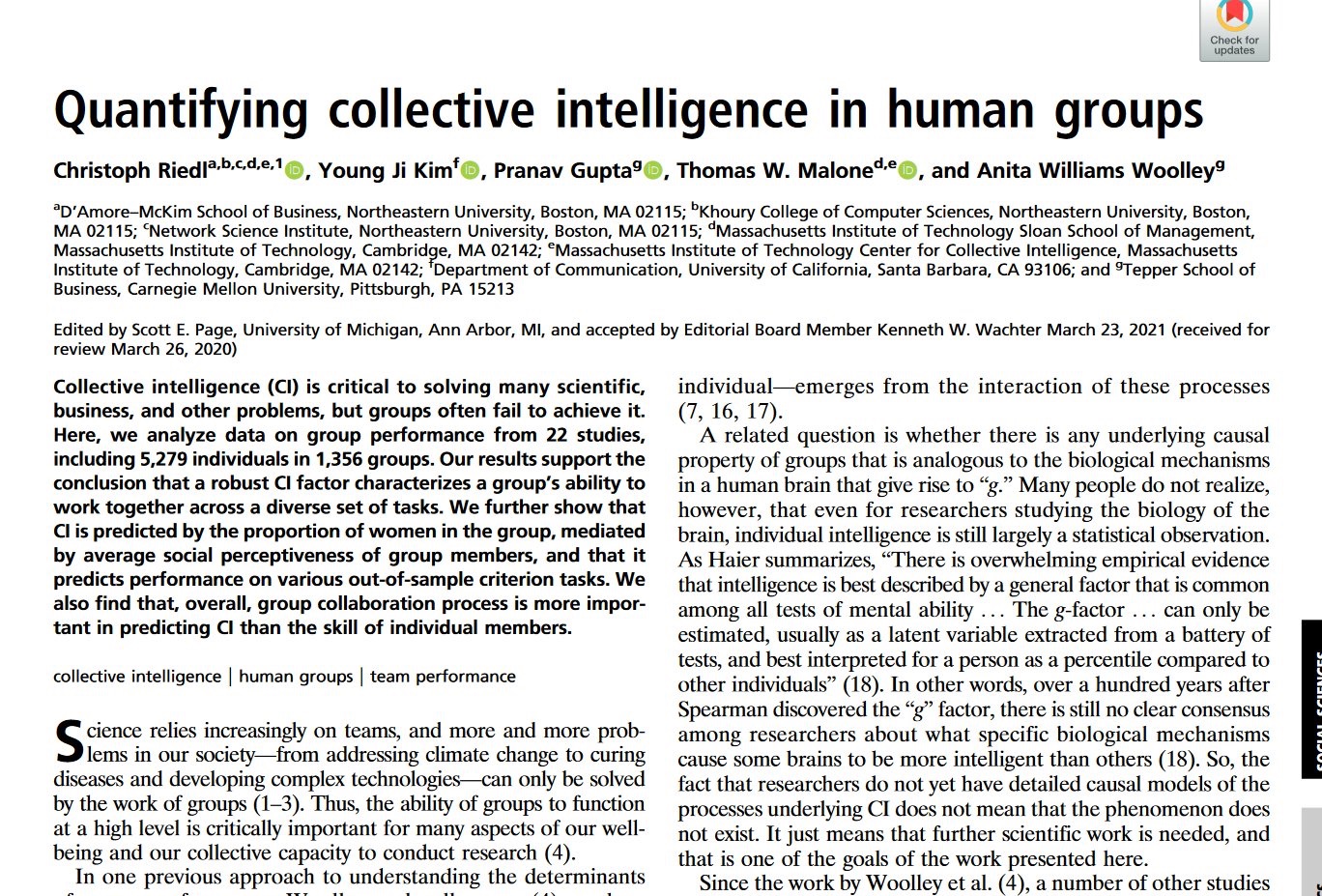
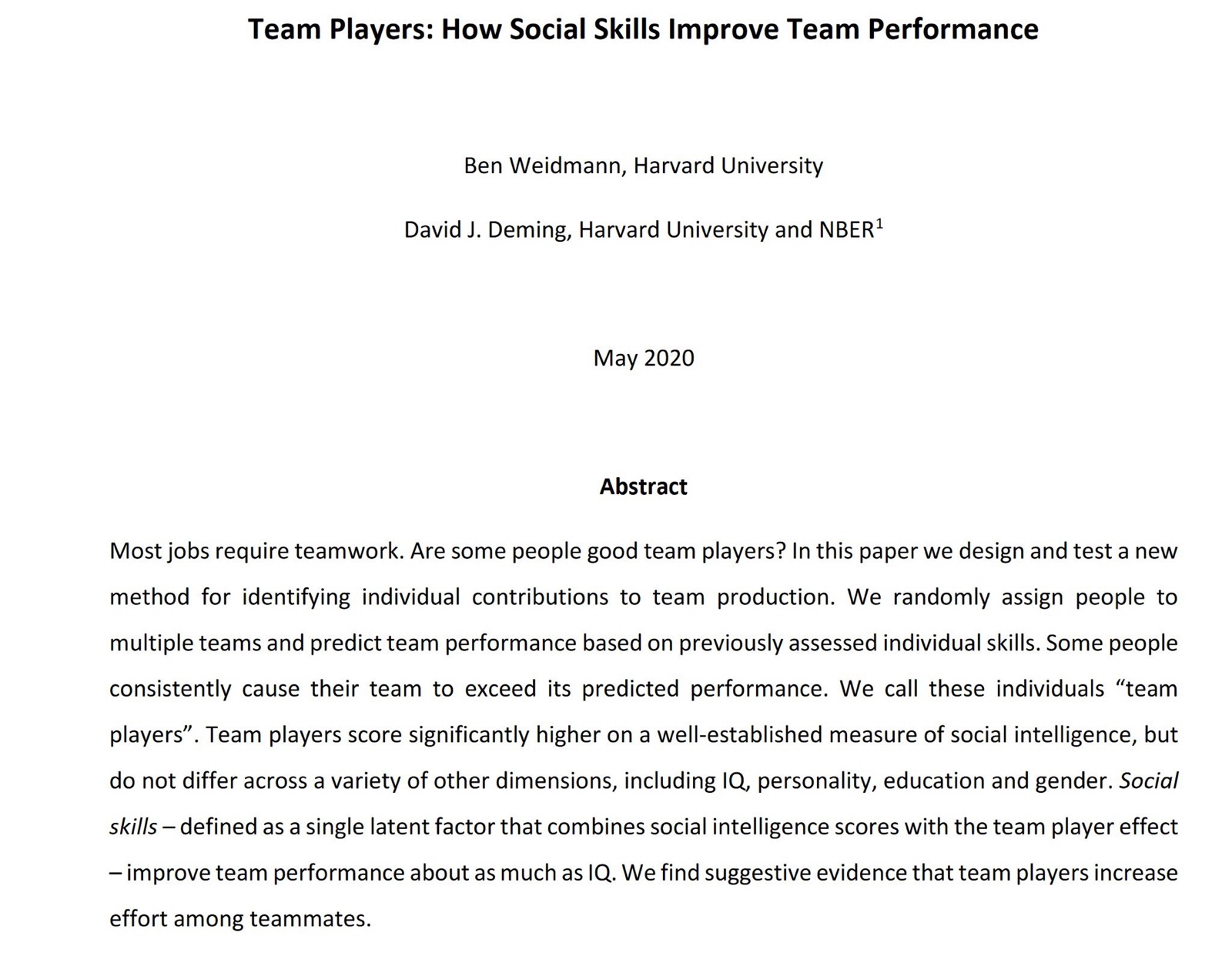
The collective intelligence of a team depends on more than the intelligence of individual members. It is limited by the emotional intelligence of the least sensitive team member

But adding folks with high social skills to a team & improving process boosts collective intelligence t.co/xBFpKP80kN

Image from the post
Image from the post
Image from the post

KeyPair

KeyPair makes using keyboard shortcuts during pair programming sessions easier.

1 star · Swift

KeyPair makes using keyboard shortcuts for pair programming sessions easier

https://github.com/akaalias/KeyPair/assets/111555/7fbafcf4-c90b-442a-a5ba-18a2692479cf

🎁 Download KeyPair!

The problem with hotkeys and pair programming

The problem I’ve had is that when one person is the “driver” in a pair programming session and the other is the ‘navigator’, when the driver uses keyboard shortcuts (while using the IDE for example) things start happening on the screen for the ‘navigator’ but it’s unclear why (because the navigator is looking at the screen, not the driver’s hands)

So, the app I made is a small window that shows when the driver uses any keyboard shortcuts that are triggered with the command, option, control, shift and function keys.

From simple things like Command-C/Command-V for copy and paste to complex commands like Command-shift-enter for code refactoring in IntelliJ.

Accessibility Settings

https://github.com/akaalias/KeyPair/assets/111555/2b0629af-0c4b-4c66-ba9c-052869628a5b

Reference and License

  • The main global key monitor that works with Accessibility and keeping the Sandbox intact for notarization by Apple was developed by @karaggeorge in their key-cast project. As their project is MIT licensed (and their code does the heavy-lifting here), this project is also MIT licensed and public.

🎁 Download KeyPair!

36 views
In reply to @emollick · May 28, 2023

This is a discussion of why it is so hard to build production software on LLMs: they are slow, weird, make errors & are inconsistent.

Thinking of AI as software results in disappointment. It is usually more helpful to think of AI as acting like a person (even though it isn’t). t.co/HIYxY88Xpn

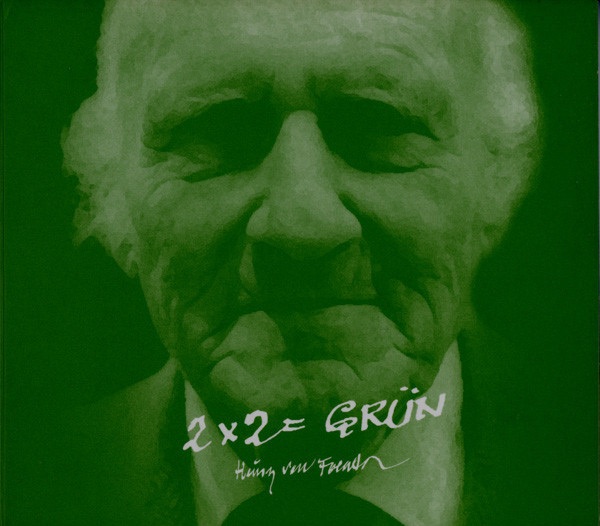
@emollick To me, "[...] It is pretty good people" brings it full-circle back to Heinz Von Foerster's astute AND charming lecture "2 × 2 = Green".

@emollick
, thank you for putting into words what I keep wanting to say!

DiscogsHeinz Von Foerster - 2 X 2 = GrünView credits, reviews, tracks and shop for the 1999 CD release of "2 X 2 = Grün" on Discogs.↗ discogs.com

Poppy

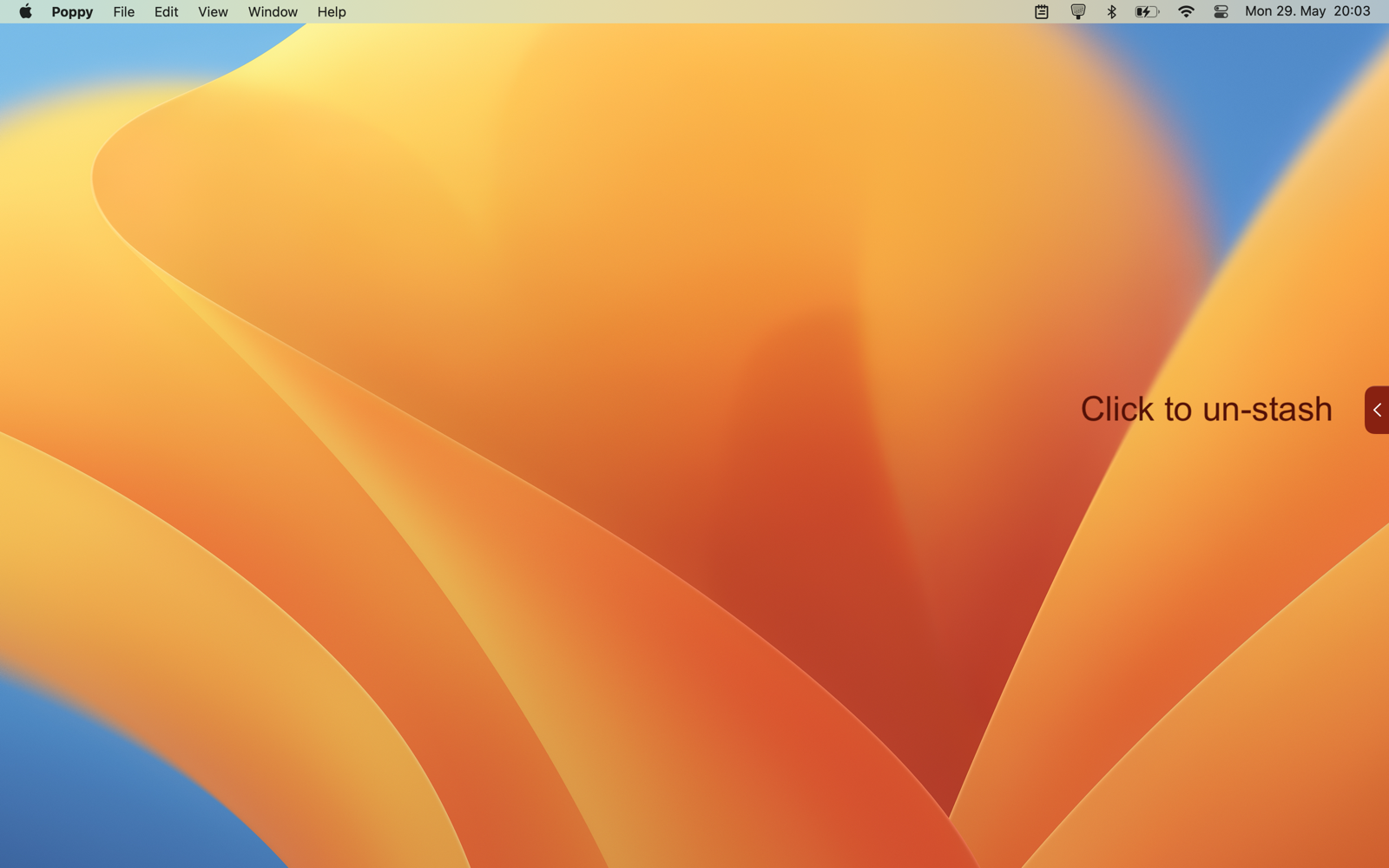
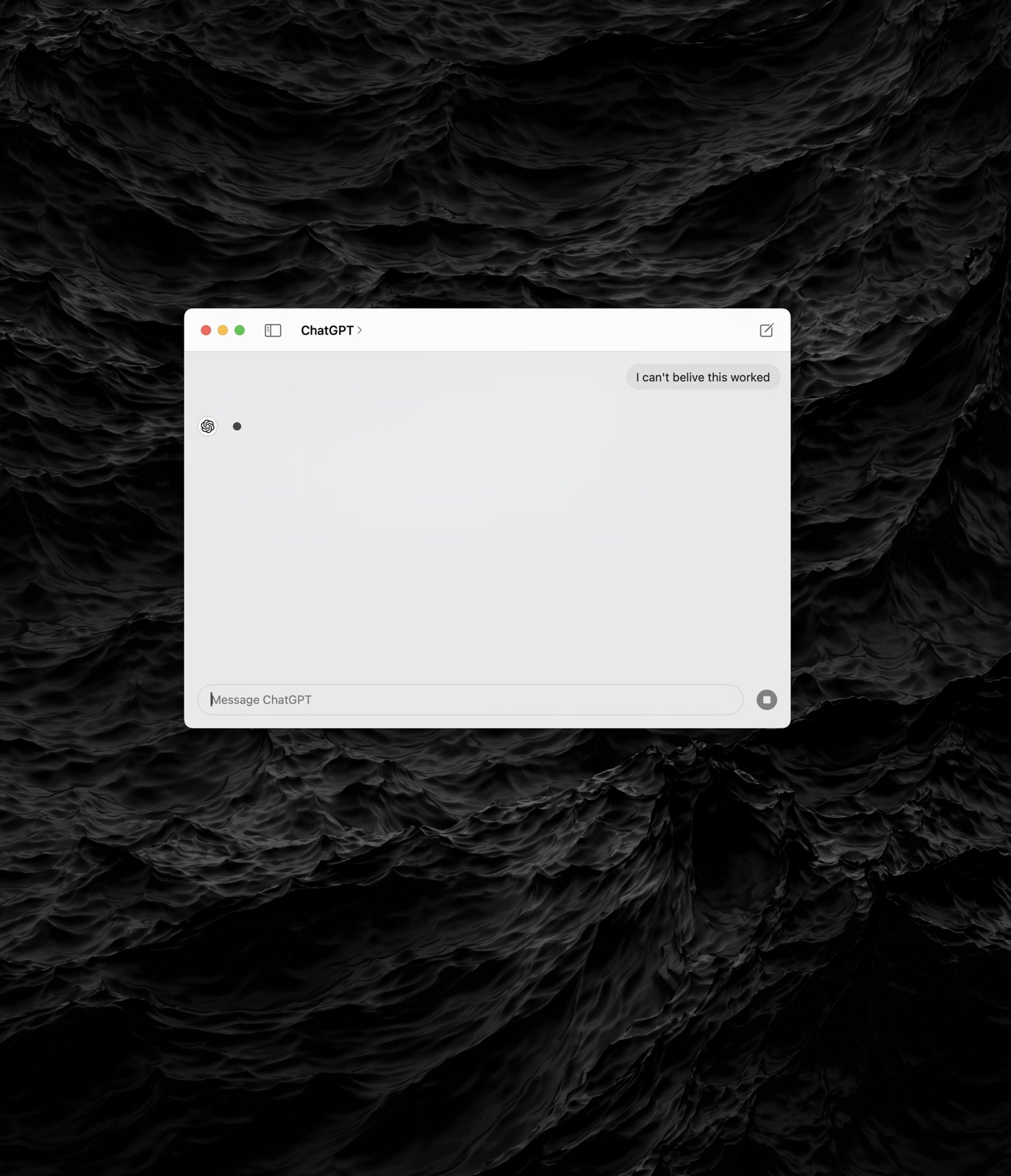
Poppy keeps your single most important webpage on top of all other windows. Very useful while writing with ChatGPT or pair programming on a backlog ticket.

5 stars · Swift

🎉 Poppy keeps your single most important website on top of all other windows.

Poppy is a free, tiny, native app for macOS Ventura.

It’s incredibly useful for…

…Writing and Editing with ChatGPT

Need ChatGPT visible during writing?

Always switching between ChatGPT and your working documents?

Want to maximize screen space?
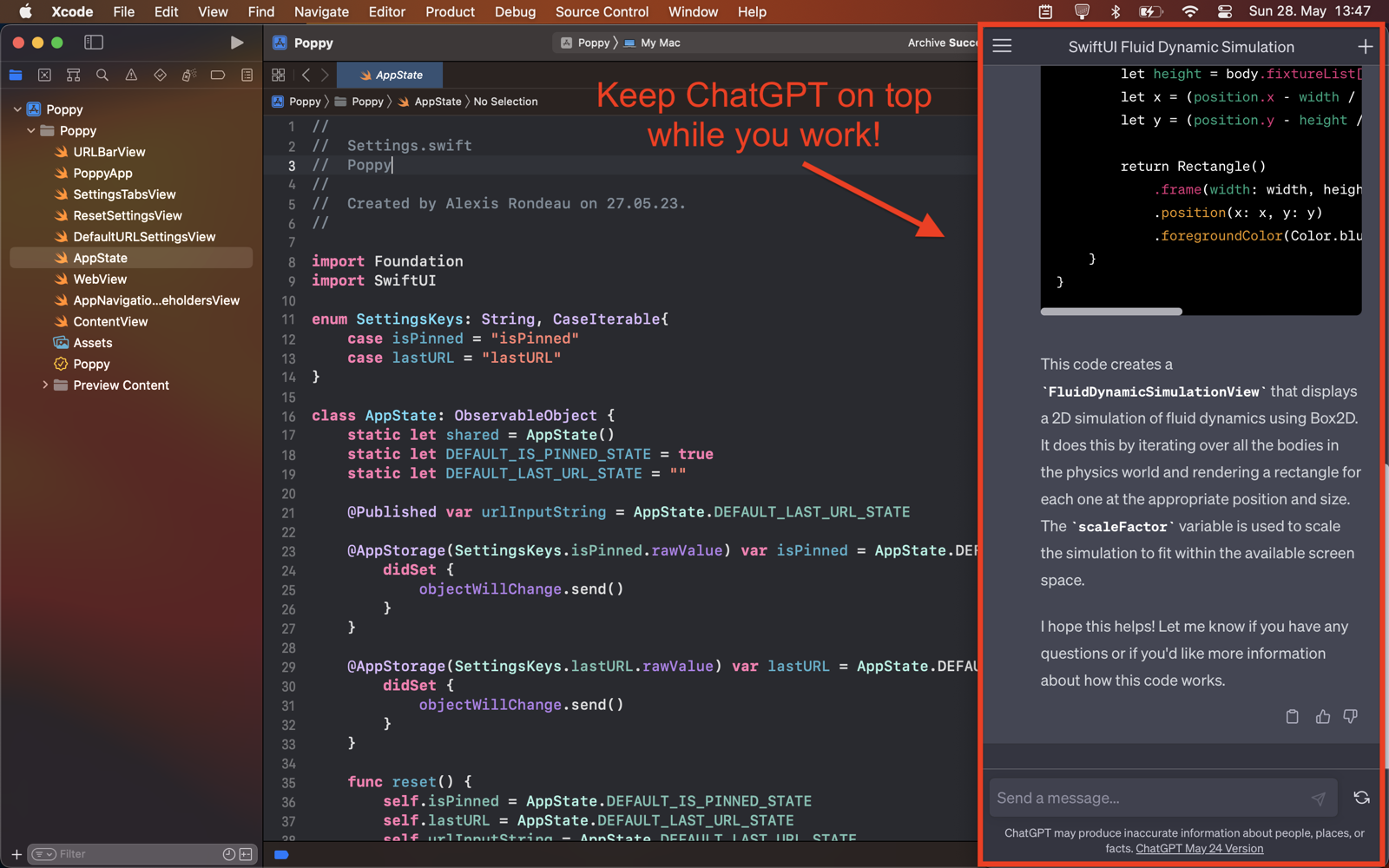
ChatGPT

🎁 Get Poppy!

…Pair Programming Driver/Navigator-Style

Working on a giant shared display?

Do you prefer working in your IDE full-width?

Want to keep an eye on the backlog ticket?
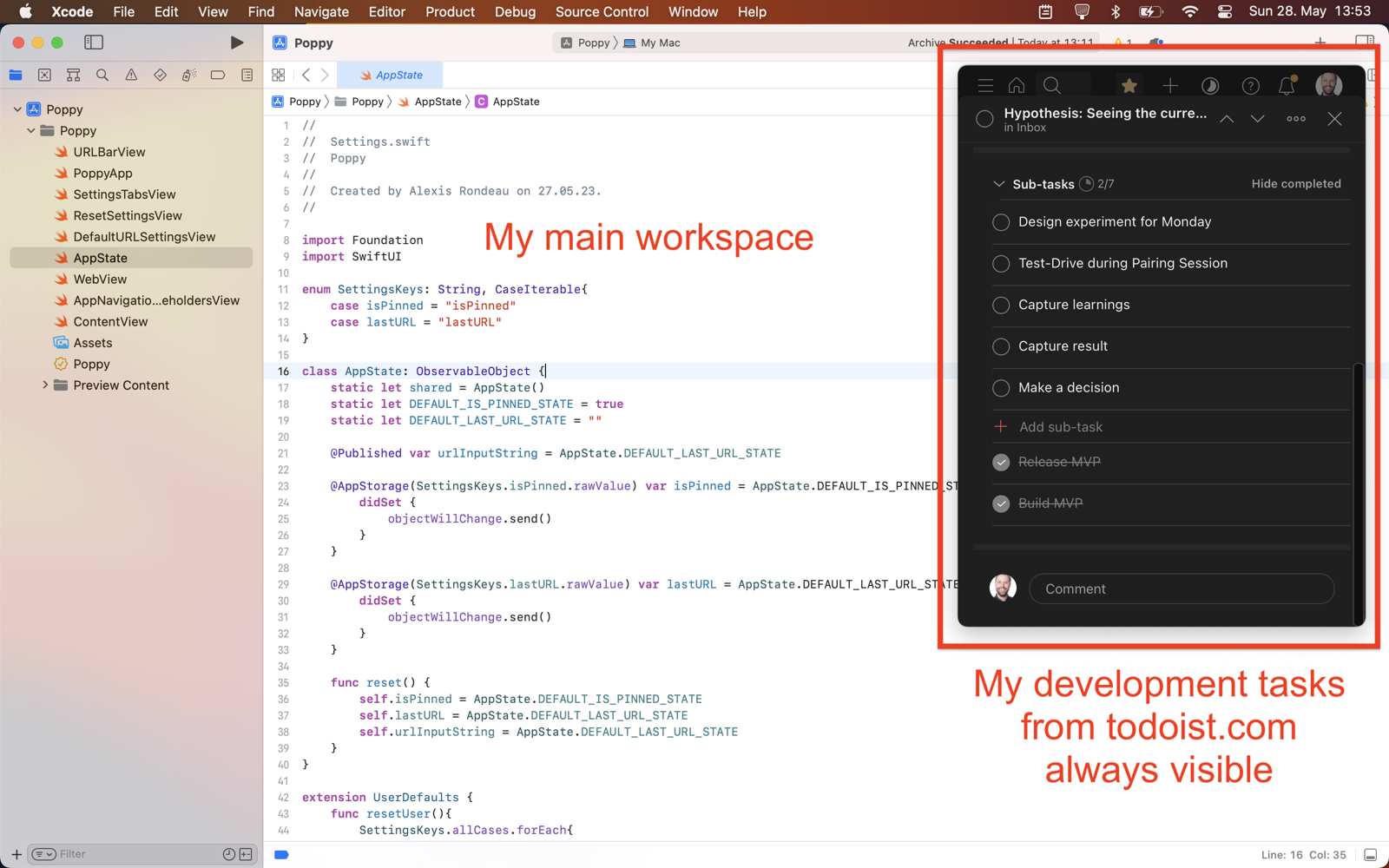
Todoist

🎁 Get Poppy!

Works with all websites, pinning is optional

Got a different website?

Want to un-pin Poppy sometimes?

You got it!
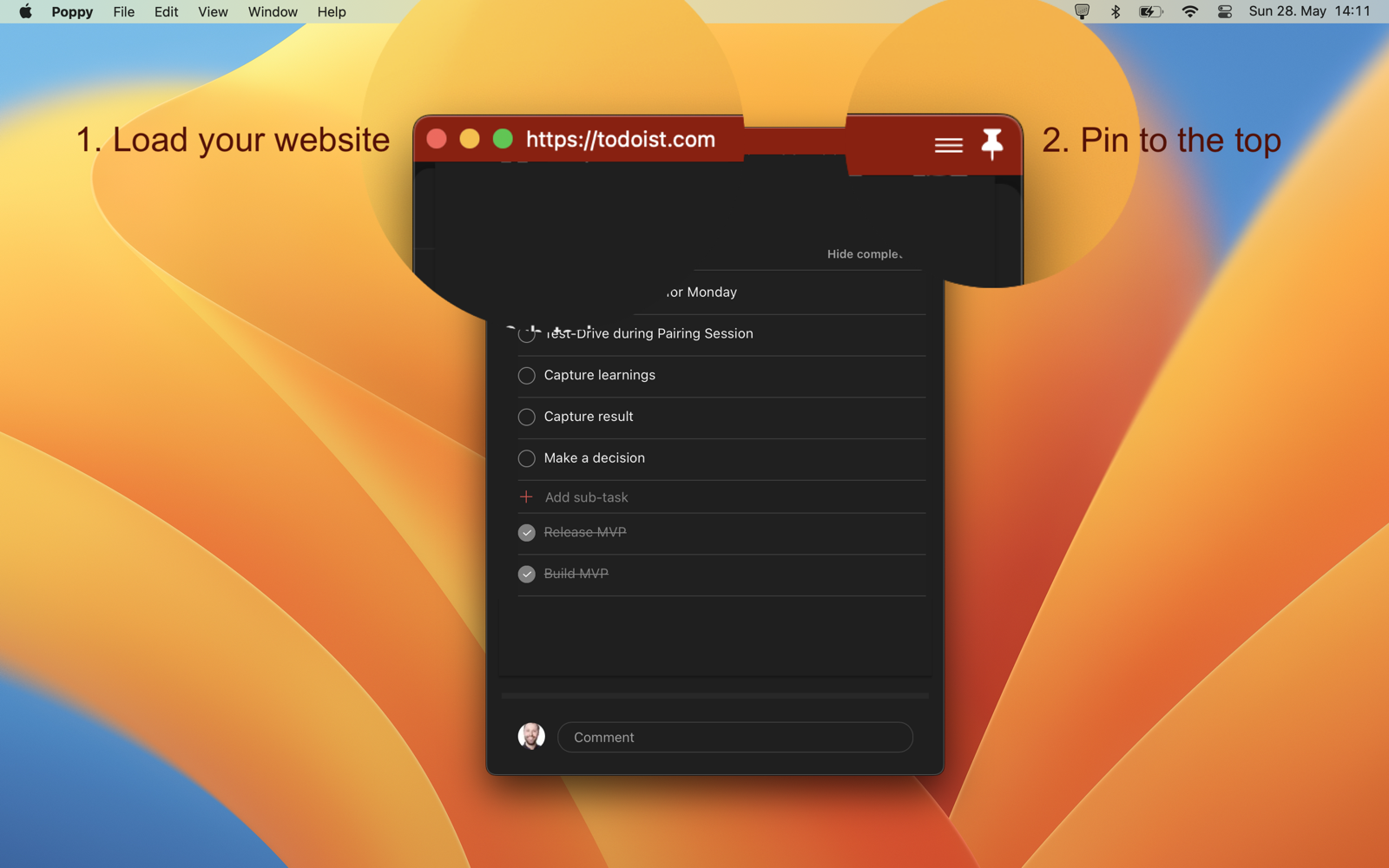
Load and Pin

🎁 Get Poppy!

Stash and Un-stash

Need to briefly hide Poppy?

No problemo!
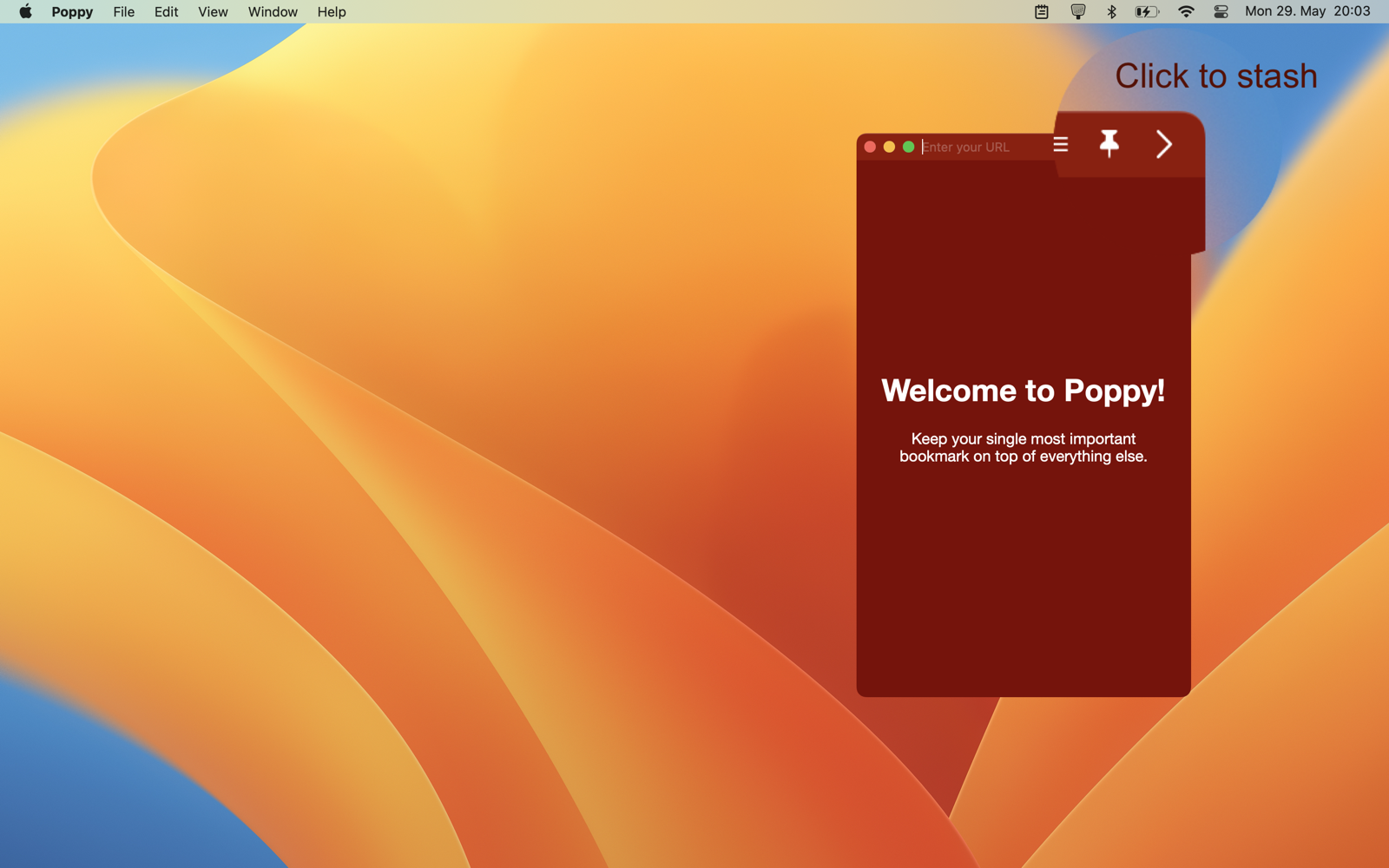
Stash

Un-Stash

Development Notes

Roadmap

  • … MVP test
  • Add automatic updates
  • Add global hotkey for show/hide

    • … Stress-test hotkey feature

Releases

Appendix

Made with love and relased under the GNU General Public License v3.0 by Alexis Rondeau.

obsidian-airgap

This plugin allows you to link to notes in an airgapped vault. This is useful if you want to link to ideas from one vault while working in a different one without the danger of mixing up the two.

6 stars · TypeScript

Airgap

This plugin allows you to link to notes in an airgapped vault. This is useful if you want to link to ideas from one vault while working in a different one without the danger of mixing up the two.

Preparation

To use this plugin, you must first create a list of all note titles in your airgapped vault.

  1. Install the plugin in both vaults: Your airgapped vault and the one you want to link from.
  2. In your airgapped vault: Search for "Insert list of note titles" using the command-palette, then run it. Copy the list of note titles to your clipboard.
  3. In the current vault: Paste it into the "Airgapped Titles List" setting of this plugin.

Usage

To link from your current to a note in the airgapped vault, simply type {{ (two curly braces).

This will trigger the search and a list of suggestions will appear. Select the note you want to link to and press enter.

The link will be inserted into your note and will be marked as an airgapped link using an emoji. This emoji can be configured in the settings.